
Charges & billing · Charge entry
Understanding Dates of Service #
Each charge row has DOS From and DOS To fields that describe the service period for that charge.
Keyboard shortcuts: Press Ctrl+B to open Charges and Payments.
DOS From and DOS To #
- DOS From is the beginning of the service period.
- DOS To is the end of the service period.
- For a single-day service, enter that date in both fields unless your practice’s workflow specifies otherwise.
- Use a range only when the documented service and billing rules support it.
Enter or correct dates #
- Select the patient and case.
- Add a row or select the existing row.
- Enter or correct both dates.
- Confirm DOS To is not earlier than DOS From.
- Review the code, provider, diagnosis pointers, POS, units, and amount.
- Save with F2.
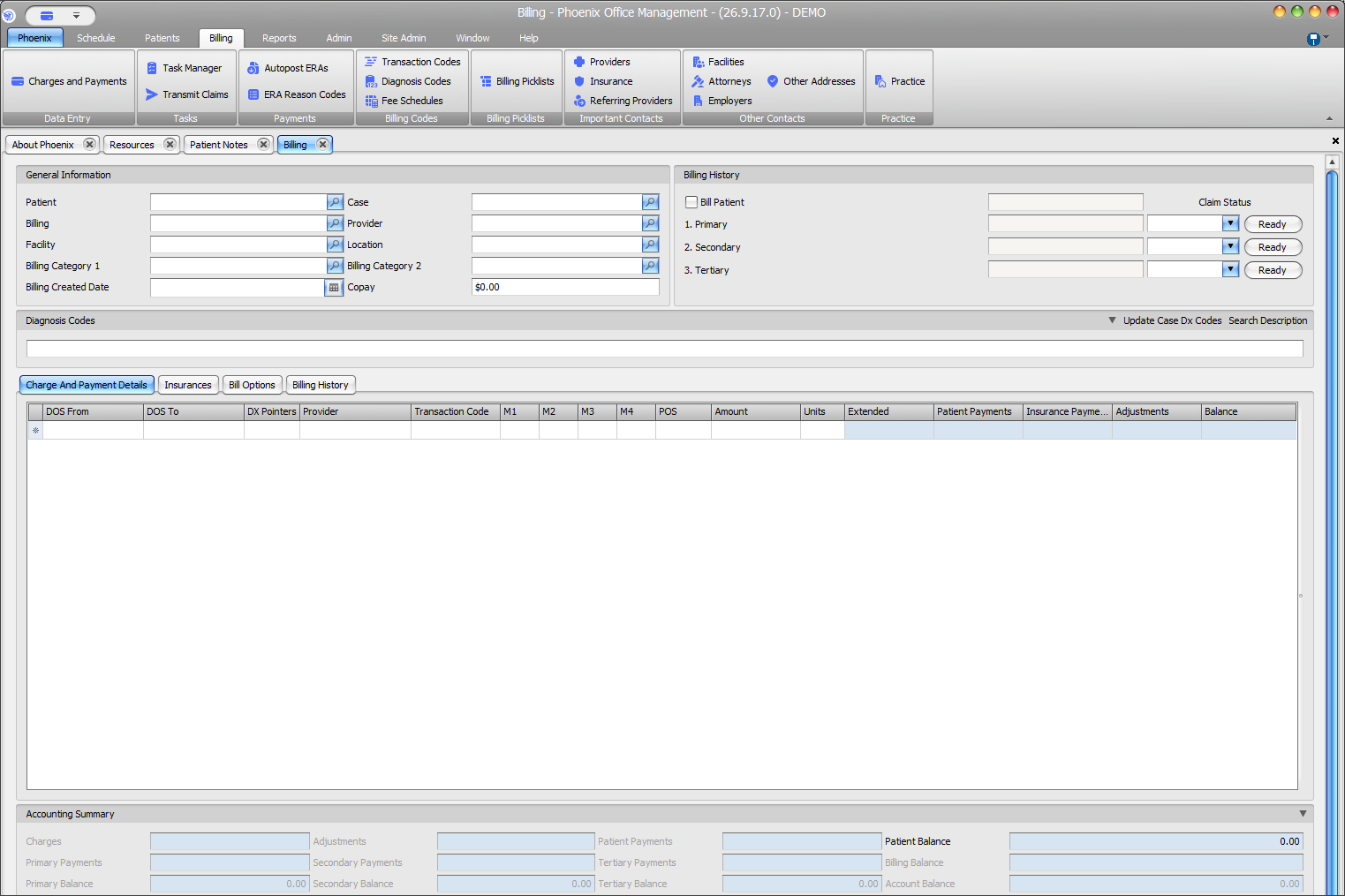
Do not confuse these dates
Billing Created Date is separate from the row’s dates of service. Fee-schedule effective dates are also separate. Follow the practice’s correction workflow before changing dates on a charge with claim, payment, or adjustment activity.