
Scheduling · Troubleshooting
Scheduling Conflicts #
A scheduling conflict means two appointment choices compete for the same time, resource, provider, or practical availability. Review the actual schedule before moving or creating anything.
What to do #
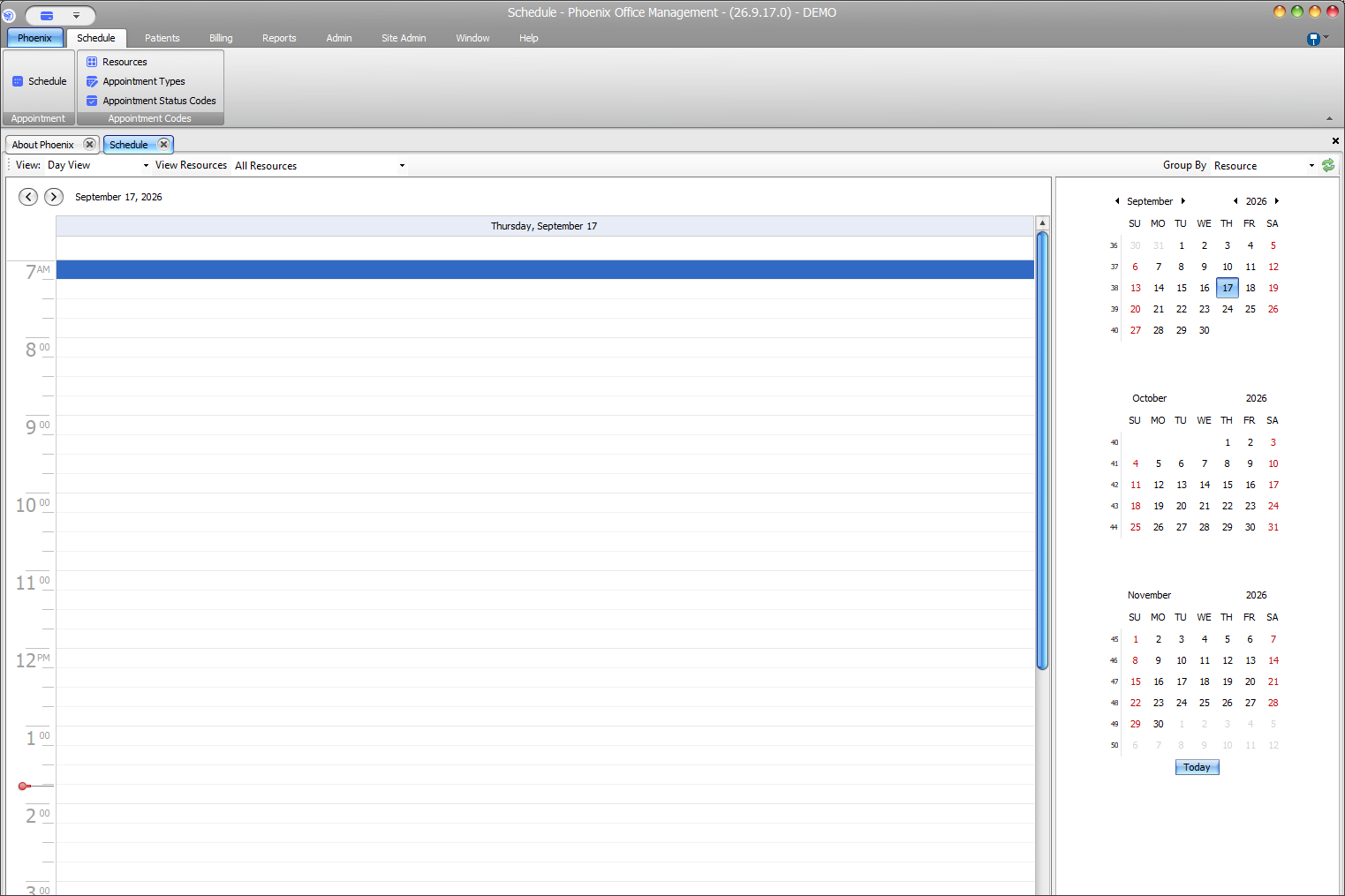
- Open the intended date and schedule view.
- Review the resource and provider columns involved.
- Compare the start and end time of the appointment you are entering with existing appointments.
- If another slot is appropriate, move or create the appointment there using your normal scheduling workflow.
- Recheck the final date, time, duration, provider, and resource before saving.
Verify before you finish #
- The intended patient is being scheduled.
- Start and end times do not unintentionally overlap another appointment.
- The correct provider/resource remains selected.
Important
Do not resolve a conflict by changing unrelated appointment information just to force the record to save.