
Administration · Permissions
Restricting Access #
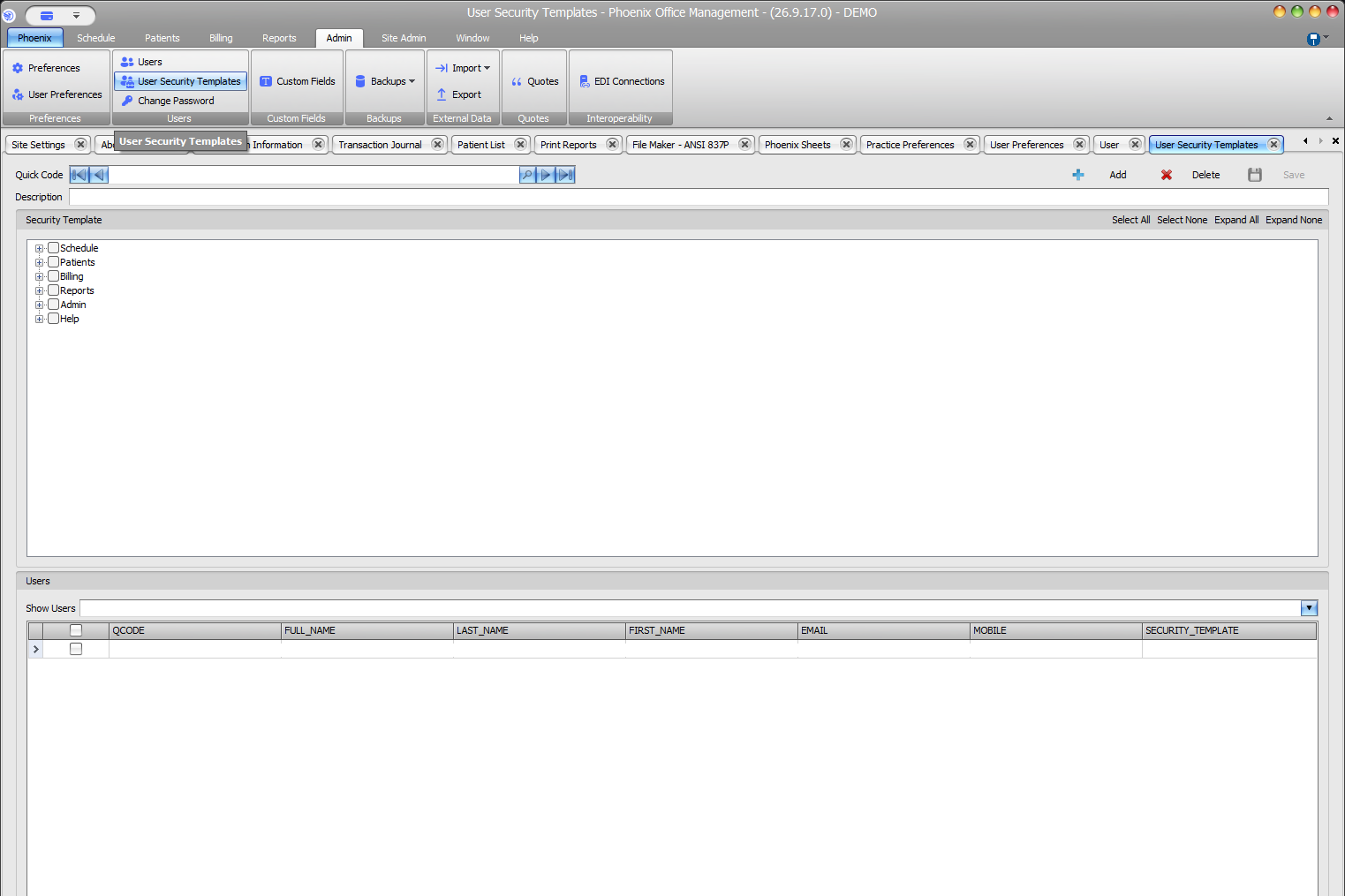
Use User Security Templates to review and reduce access associated with a template.
Keyboard shortcuts: In a form, press F2 to save and Esc to close.
Remove selected access #
- Open Admin > User Security Templates.
- Locate and verify the template.
- Review the Users grid and Security_Template column.
- Expand the relevant module branch.
- Clear only checkboxes included in the approved restriction.
- Recheck remaining selections and select Save.
Use bulk controls carefully #
Select None can clear a broad set of selections. Do not use it for a narrow change unless you intend to review and rebuild the complete template. Expand All can help expose child items.
Permission templates and password policy are separate
Feature access is configured in User Security Templates. Site-wide password and login controls appear under Site Admin > Security Center. After saving the restriction, verify the user’s effective access.