
Practice configuration · Providers
Provider Identifiers #
The Provider screen groups identifiers under Default IDs and provides a separate ID Exceptions grid.
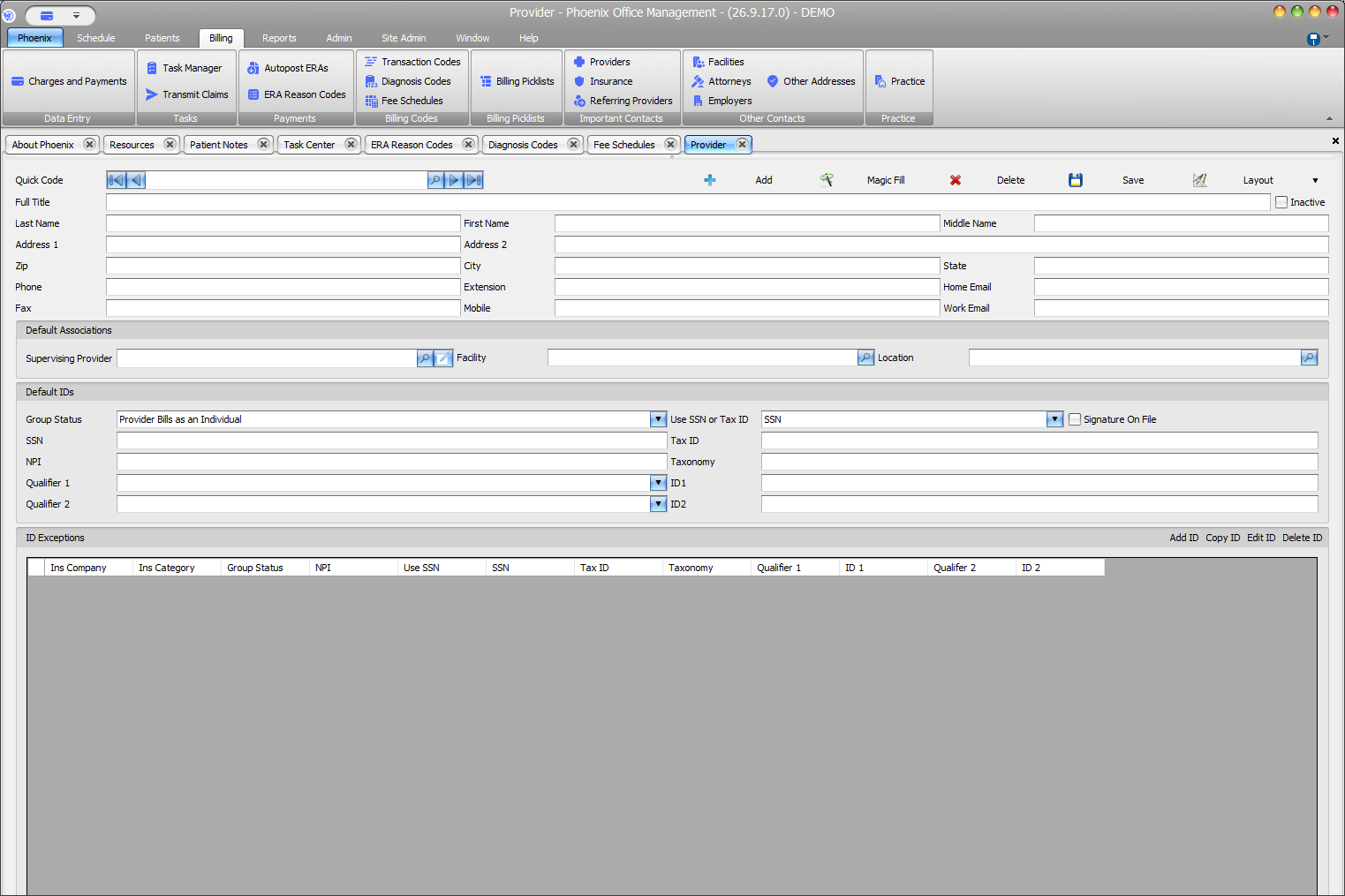
Default ID fields #
- Group Status
- Use SSN or Tax ID
- SSN and Tax ID
- NPI and Taxonomy
- Qualifier 1 / ID1 and Qualifier 2 / ID2
- Signature On File
Review the values #
- Locate and verify the provider.
- Open the provider record.
- Compare each populated identifier with the approved source.
- Update only included fields.
- Select Save.
ID Exceptions #
The exception grid stores insurance-company or category context with provider identifiers. Use Add ID, Copy ID, Edit ID, or Delete ID only when the practice has specific instructions for that exception.
Avoid partial changes
When one identifier changes, review related selections such as Group Status, SSN or Tax ID, Taxonomy, and qualifier/ID pairs. Treat SSN and Tax ID as sensitive information.