
Patients · Patient Insurance
Primary, Secondary, and Tertiary Insurance #
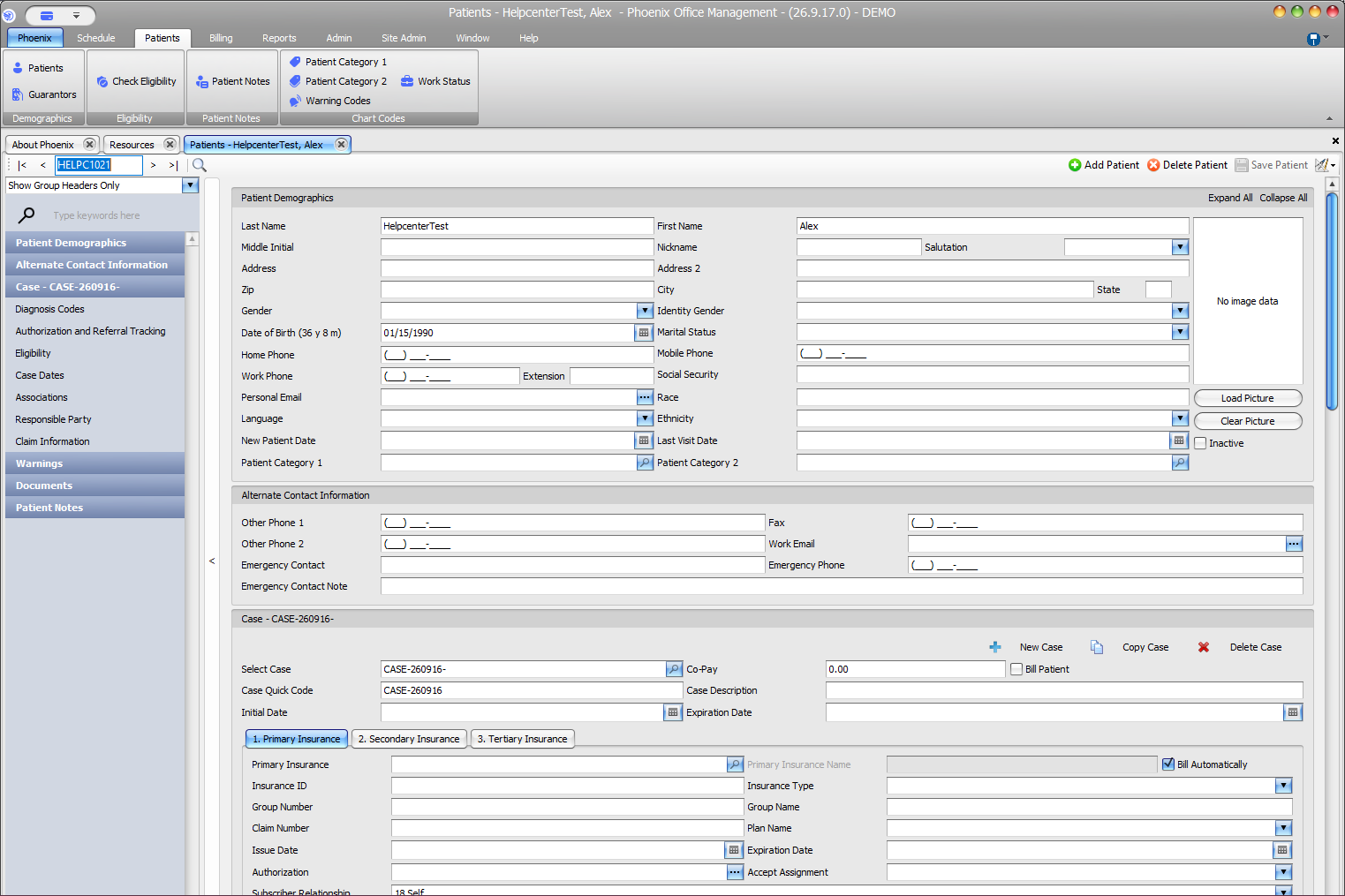
Phoenix provides separate insurance sections in the patient case so coverage can be stored in the appropriate order. Confirm the patient and case before reviewing or changing this information.
Keyboard shortcuts: In a form, press F2 to save and Esc to close. In a lookup field, press F3 for Lookup, Insert for Quick Add, or Ctrl+E for Quick Edit. On data-entry-heavy screens, press Ctrl+↓ for the next layout group or Ctrl+↑ for the previous layout group.
Review coverage order #
- Find and verify the patient.
- Select the correct case.
- Review 1. Primary Insurance, 2. Secondary Insurance, and 3. Tertiary Insurance.
- Confirm the payer, member information, subscriber information, and coverage order against the approved source available to your office.
- Select Save Patient after an authorized change.
Before saving #
Verify the member ID, subscriber information, and any applicable coverage dates against the patient’s insurance card or other approved source.
Eligibility is a separate check
Insurance information saved in Phoenix is not a guarantee that a service is covered or that a claim will be paid. Use your practice’s approved eligibility workflow when current coverage needs to be checked.