
Patients · Patient Insurance
Editing Patient Insurance #
Edit patient insurance when policy, subscriber, plan, or coverage details on the patient’s case need correction. The patient’s coverage record is separate from the practice-wide insurance-company setup record.
Before you begin #
- Find and verify the patient.
- Select the correct case and coverage level.
- Use the insurance card or another approved source.
What to do #
- Open the patient record.
- Review the Primary, Secondary, or Tertiary Insurance section that needs correction.
- Confirm the selected insurance company before editing member-specific details.
- Update the applicable member ID, group, subscriber, relationship, plan, or date information.
- Save the patient record.
Verify before you finish #
- Payer name and coverage order are correct.
- Member and group identifiers match the source.
- Subscriber and relationship information are accurate.
- The intended case was edited.
Important
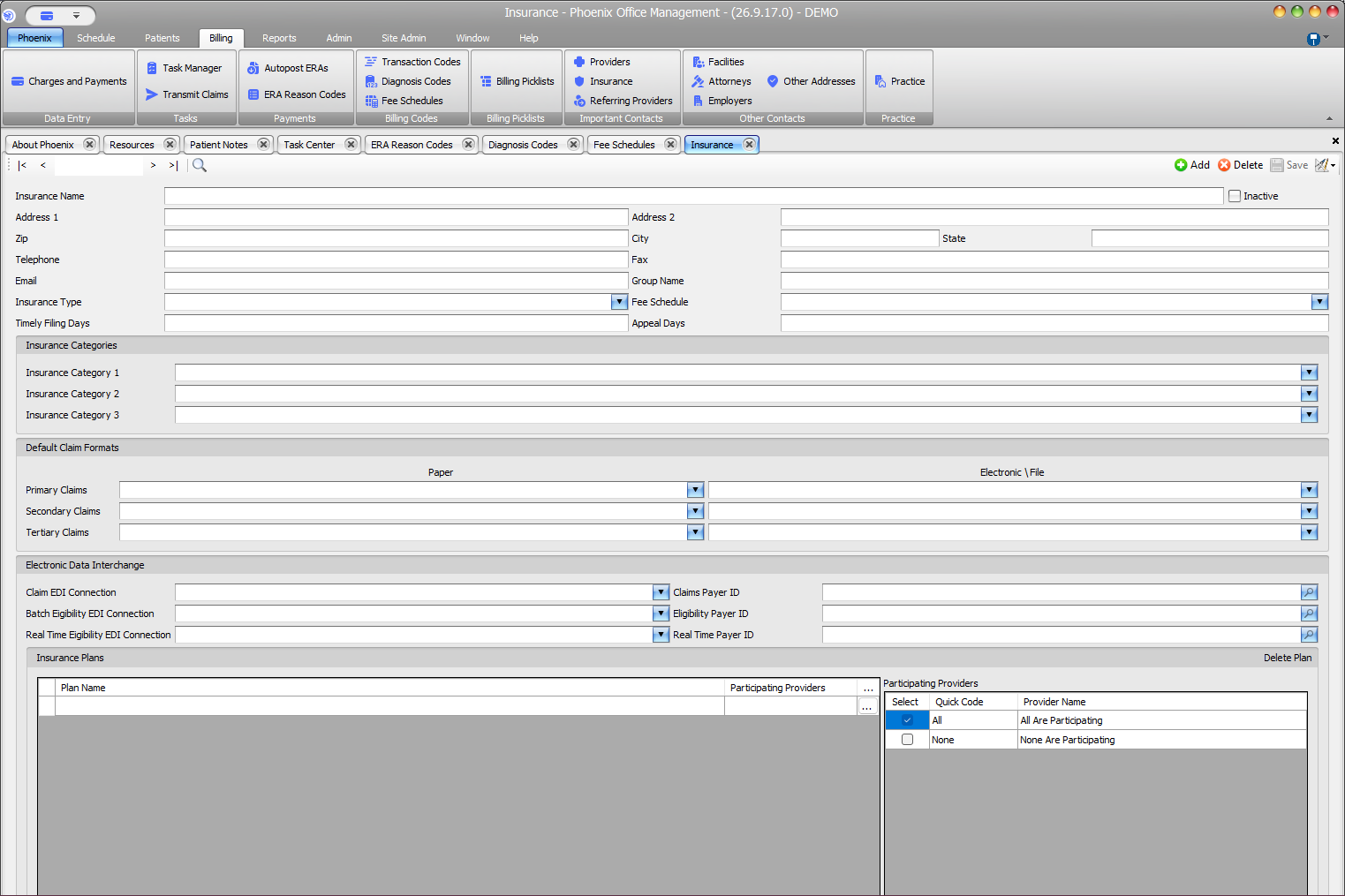
Do not create or modify the practice-wide insurance company merely because one patient’s member information changed. Patient policy data and payer setup are different records.
Related information #
When the same information affects insurance, scheduling, or billing, review the patient’s current case and the related Phoenix Help articles before changing unrelated records.