
Practice configuration · Insurance companies
Payer IDs #
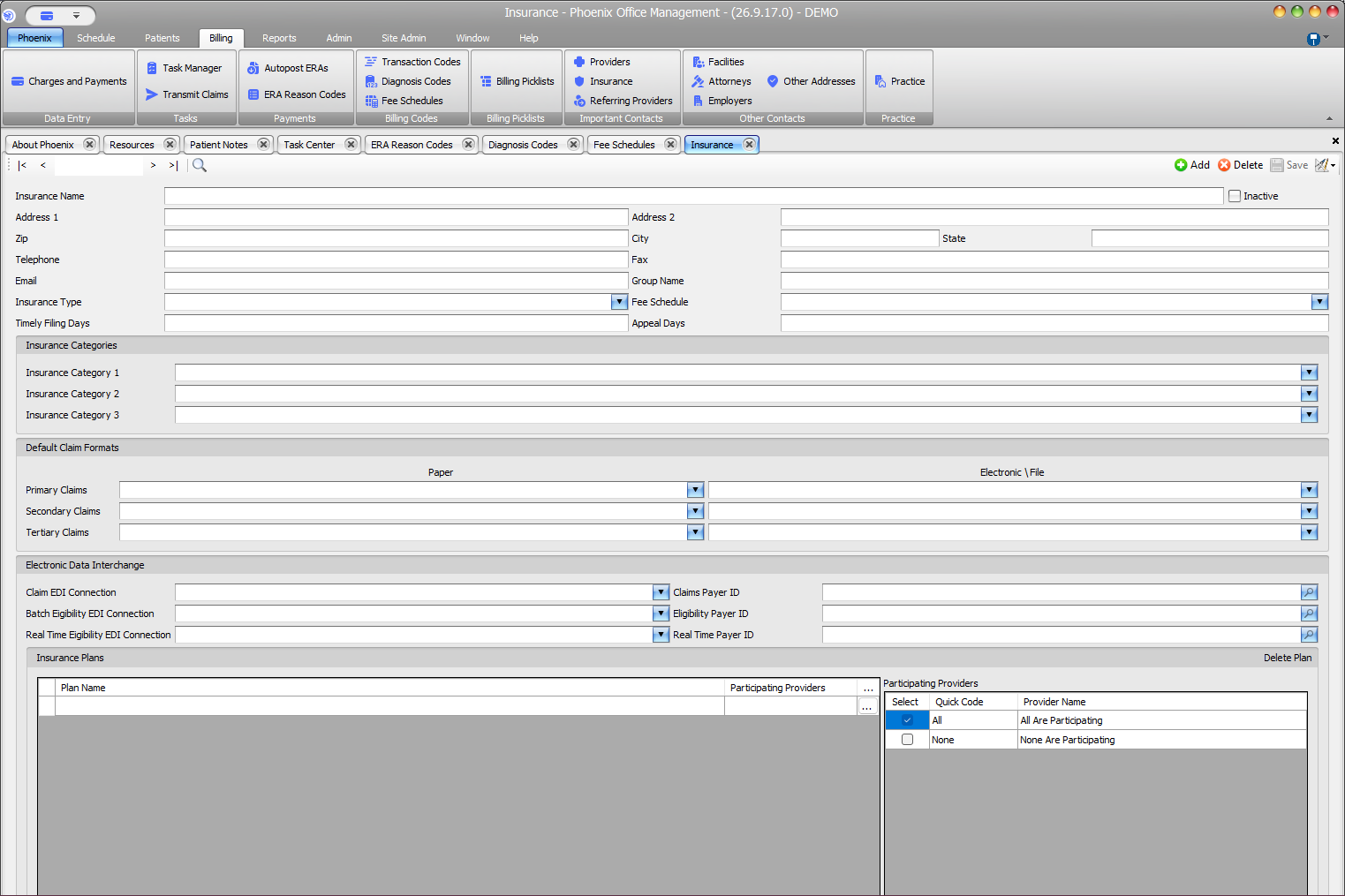
The Insurance record maintains separate IDs and connections for claims, batch eligibility, and real-time eligibility.
Keyboard shortcuts: In a form, press F2 to save and Esc to close. On data-entry-heavy screens, press Ctrl+↓ for the next layout group or Ctrl+↑ for the previous layout group.
Connection and ID pairs #
- Claim EDI Connection → Claims Payer ID
- Batch Eligibility EDI Connection → Eligibility Payer ID
- Real Time Eligibility EDI Connection → Real Time Payer ID
Enter or update an ID #
- Confirm the payer and service from an approved source.
- Select the matching EDI connection.
- Use the payer ID lookup when available.
- Confirm the ID belongs to the same payer and service.
- Select Save and recheck the record.
Keep the services separate
A value supplied for one service should not be assumed to apply to another. Use the payer ID supplied for the selected connection and transaction type. If you are unsure which payer ID to use, verify it with the selected EDI connection or PSS support.