
Practice configuration · Insurance companies
Claim Settings by Payer #
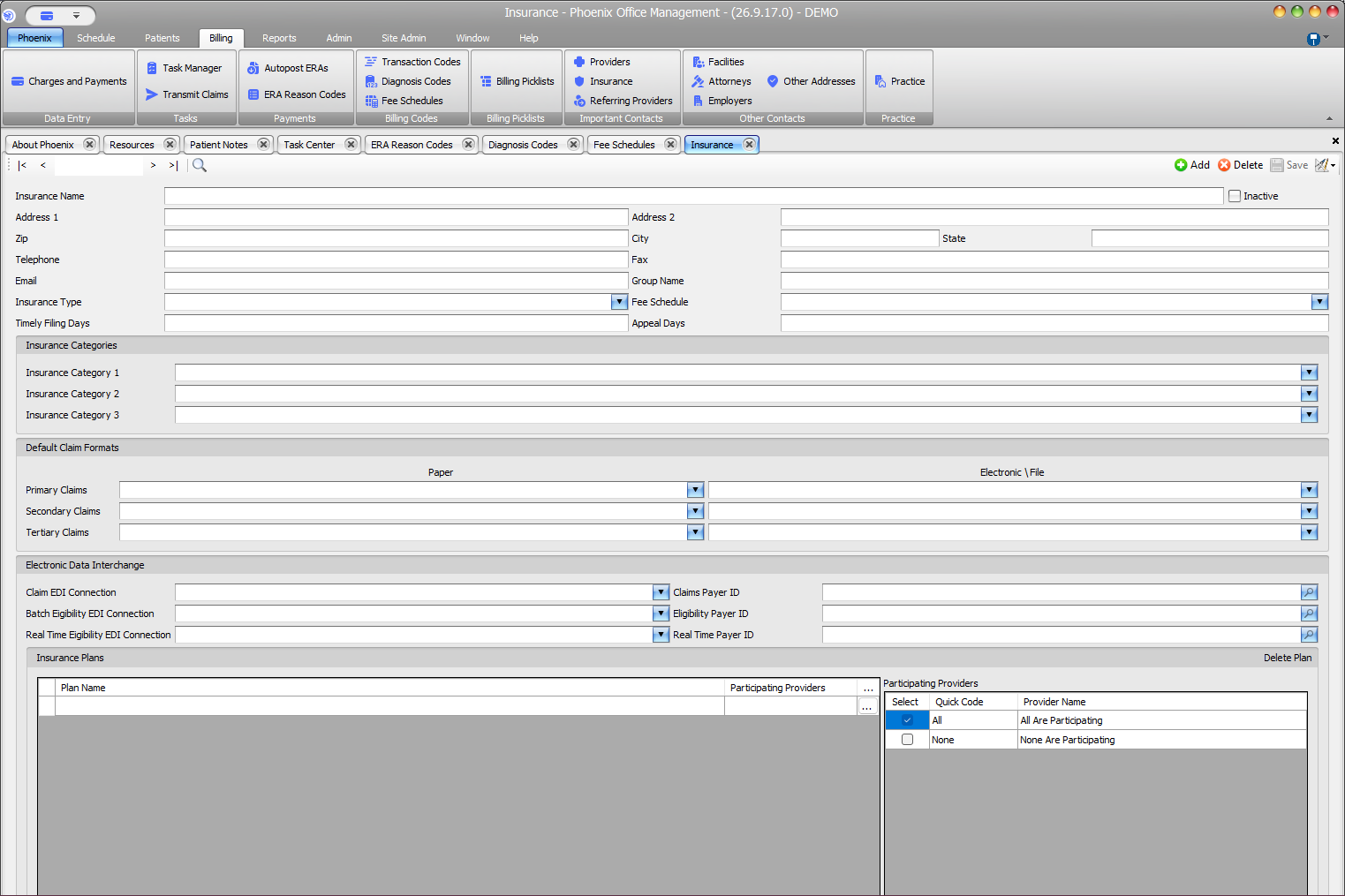
Review payer-specific configuration on the selected Insurance record. This screen shows settings; it does not predict claim transmission behavior.
Keyboard shortcuts: In a form, press F2 to save and Esc to close.
Review these areas #
- Fee Schedule
- Primary, Secondary, and Tertiary Default Claim Formats
- Paper and Electronic File selections for each row
- Claim and eligibility EDI connections with payer IDs
- Insurance Plans and Participating Providers
Save approved changes #
- Confirm the Insurance Name.
- Review each setting independently.
- Select Save.
- Record the source according to practice policy.
Before deleting a plan
If you are unsure whether an existing plan is still in use, contact PSS support before deleting it. Do not delete a plan without authorization and a documented review.