
Patients · Patient Troubleshooting
Patient Cannot Be Saved #
If Phoenix will not save a patient record, start with the visible message or the fields currently being edited. Missing or inconsistent information should be corrected deliberately rather than by changing unrelated fields.
Before you begin #
- Keep the patient record open if possible.
- Read the complete validation or warning message.
- Know what you changed immediately before the problem appeared.
What to do #
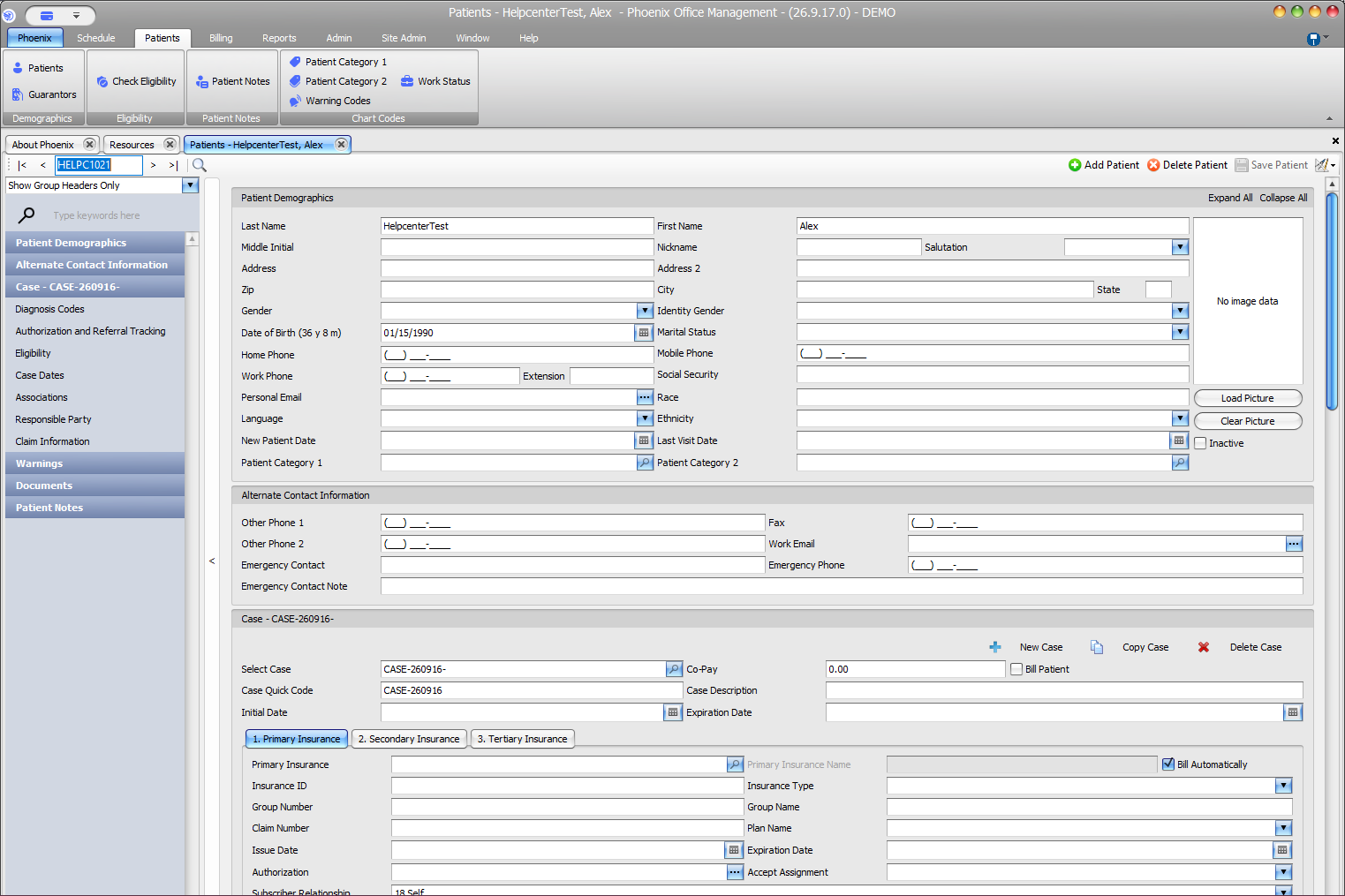
- Review the patient name and identifying information.
- Check any field specifically identified by Phoenix.
- Review the current case and required information used by your practice.
- Correct only the information you can verify.
- Try the normal save workflow again after the identified issue is resolved.
Verify before you finish #
- The correct patient is still open.
- The value entered matches the expected type of information.
- No unrelated insurance, case, or demographic fields were changed as a workaround.
Important
If the message is unclear, record its exact wording and the steps that produced it. That information is more useful to an administrator or PSS Support than repeated trial-and-error changes.
Related information #
Use the related Phoenix Help articles for the patient, insurance, scheduler, appointment status, and provider workflows when the issue crosses more than one area.