
Patients · Patient Troubleshooting
Missing Required Patient Information #
Phoenix may require certain identifying or workflow information before a patient record can be completed. The exact requirement can depend on the screen and the action being performed.
Before you begin #
- Read the message Phoenix displays.
- Verify that you are editing the intended patient.
- Have the missing information from an approved source before entering it.
What to do #
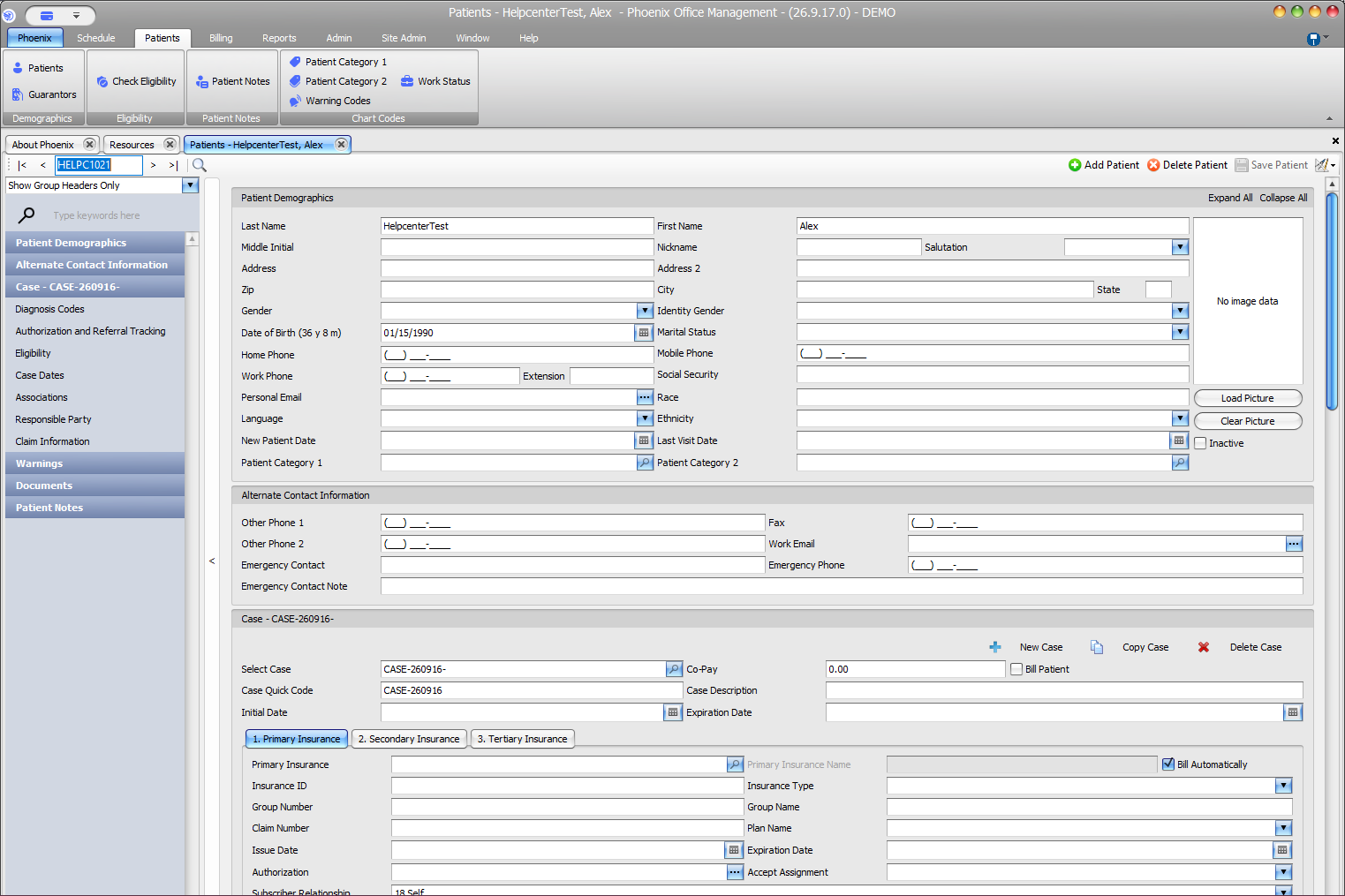
- Return to the patient record.
- Review the field or section identified by the message.
- Enter the missing information when it is known and appropriate.
- Review the surrounding fields for consistency.
- Save again and confirm the warning is resolved.
Verify before you finish #
- The information belongs to the correct patient.
- The value was entered in the correct field.
- You did not invent a placeholder value merely to get past validation.
Important
A required-field warning should be resolved with accurate information. Do not enter fabricated dates, identifiers, phone numbers, or insurance values just to allow the record to save.
Related information #
Use the related Phoenix Help articles for the patient, insurance, scheduler, appointment status, and provider workflows when the issue crosses more than one area.