
Patients · Patient Troubleshooting
Duplicate Patients #
Duplicate patient records can split demographic, insurance, scheduling, and billing information between two records. Search carefully before creating a new patient.
Before you begin #
- Search by more than one identifier when possible, such as name and date of birth.
- Check spelling and alternate names before assuming the patient is new.
- Do not delete or merge records unless your practice has a verified procedure for doing so.
What to do #
- Search for the patient before creating a new record.
- Compare possible matches using identifying information available on screen.
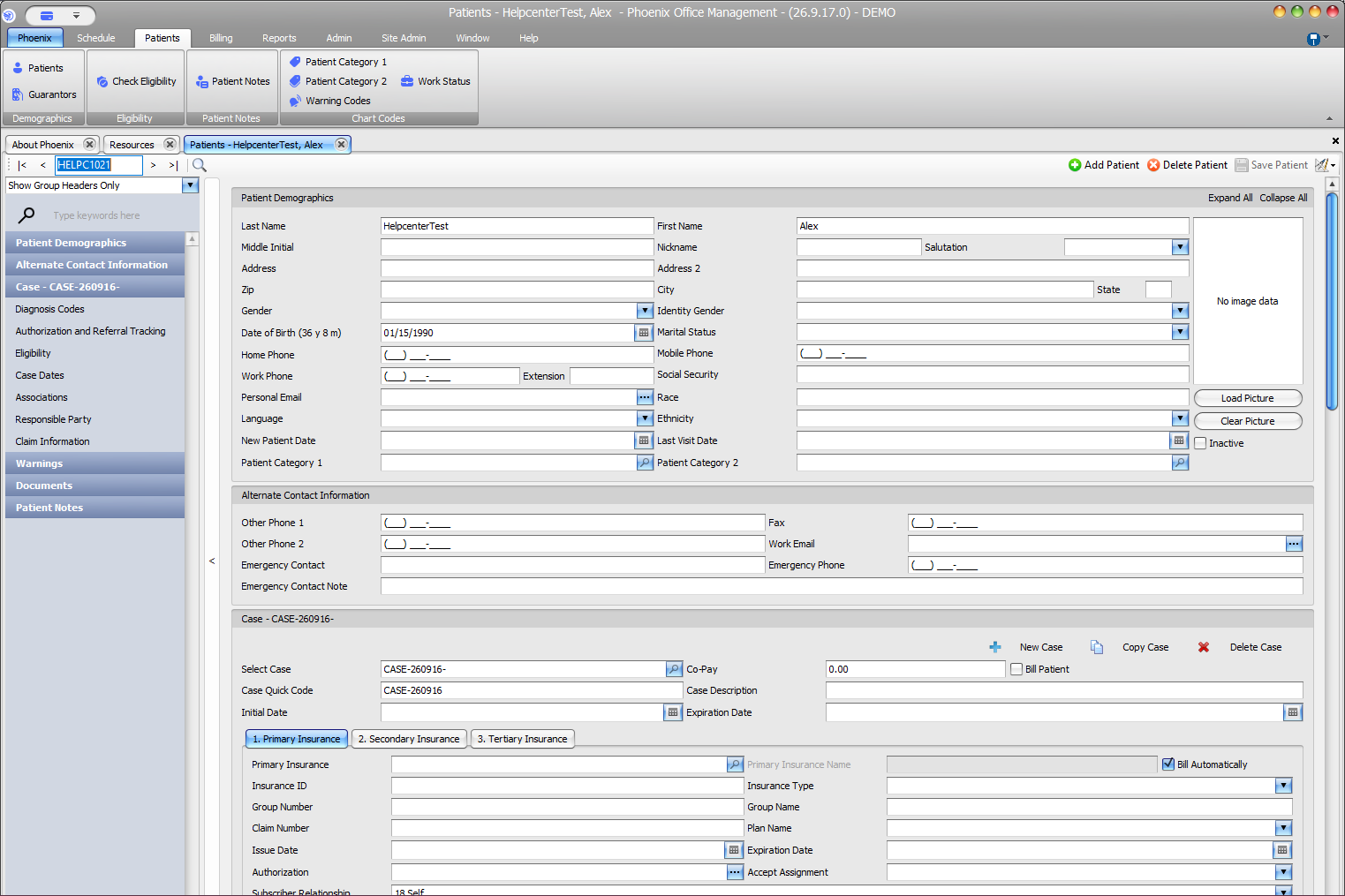
- Open the likely record and review demographic and case information.
- If two records appear to represent the same person, stop new data entry and follow your practice’s duplicate-record procedure.
- Use the confirmed record for future work.
Verify before you finish #
- The selected patient is the intended person.
- Insurance and case information are attached to the record you plan to use.
- A second record is not being created simply because the first search was too narrow.
Important
Do not guess which duplicate should be kept or attempt an unsupported merge. Preserving billing history and patient identifiers is more important than making the list look cleaner.
Related information #
Use the related Phoenix Help articles for the patient, insurance, scheduler, appointment status, and provider workflows when the issue crosses more than one area.