
Patients · Patient Notes & Alerts
Patient Alerts #
Patient alerts and warning information are used to bring important administrative information to a user’s attention while working with the patient. Keep alerts concise, factual, and limited to information appropriate for your practice workflow.
Before you begin #
- Verify the correct patient before reviewing or changing alert information.
- Follow your practice’s policy for sensitive information.
- Do not use an alert as a substitute for clinical chart documentation.
What to do #
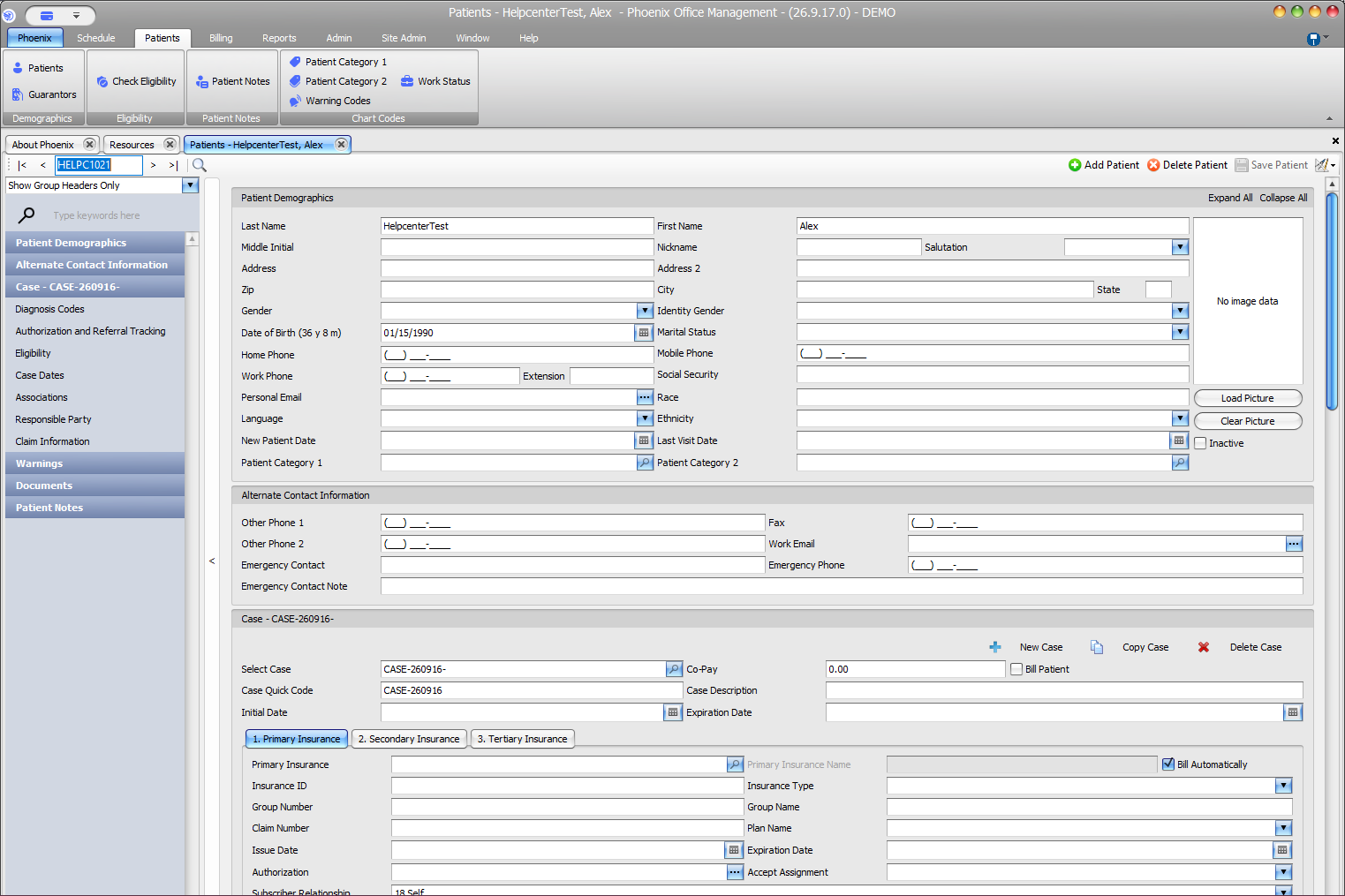
- Open the intended patient record.
- Review the patient context and any warning or alert information that is displayed.
- When adding or changing an alert, enter only the information needed for the operational purpose.
- Review the scope and expiration information when those options are available in your workflow.
- Save the patient record and confirm the alert appears where expected.
Verify before you finish #
- The alert belongs to the correct patient.
- The wording is understandable to another staff member.
- The alert does not contain unnecessary sensitive information.
Important
Phoenix training describes warning behavior with acknowledgment and expiration options, but those controls should be verified on the current screen before changing their configuration.
Related information #
Use the related Phoenix Help articles for the patient, insurance, scheduler, appointment status, and provider workflows when the issue crosses more than one area.