
Patients · Notes and alerts
Adding Patient Notes #
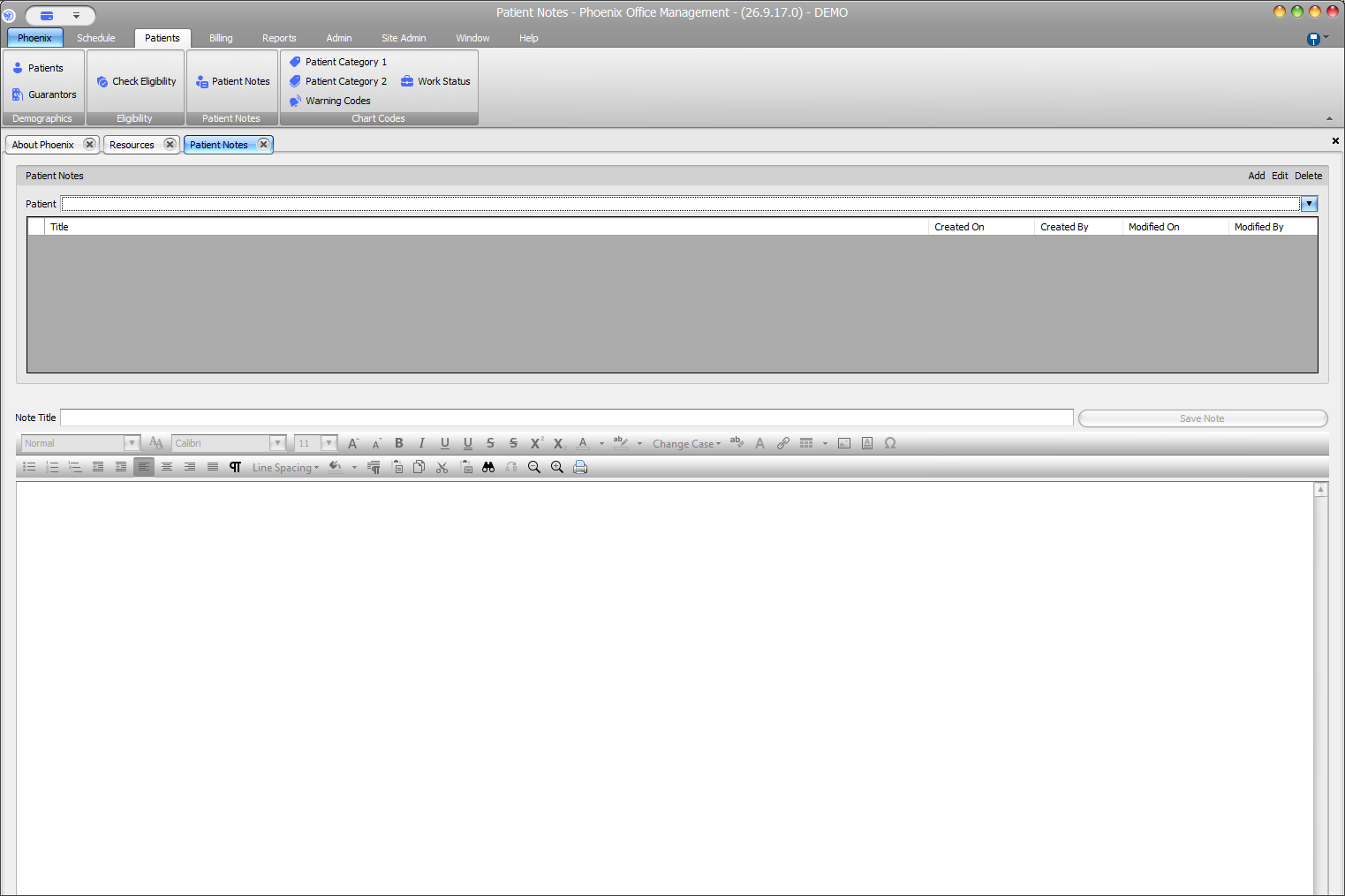
Patient Notes stores free-text information for a selected patient. Verify the patient before creating a note.
Keyboard shortcuts: In a form, press F2 to save and Esc to close.
Add a note #
- Open Patient Notes from the Patients area.
- Select or confirm the correct patient.
- Select Add.
- Enter a descriptive Note Title.
- Enter the note in the editor.
- Review the note for accuracy and appropriate content.
- Select Save Note.
Good note practices #
- Use a title that identifies the subject without exposing unnecessary sensitive information.
- Follow your practice’s documentation and privacy policies.
- Keep clinical documentation in the approved clinical area when required.
- Confirm the patient again before saving.
If the note will not save
Confirm that a patient is selected and the Note Title is complete. If an error remains, record the exact message and contact PSS support.