
Schedule Overview
Opening the Scheduler #
Use the Schedule screen to view appointments by date and resource.
Keyboard shortcuts: Press Ctrl+S to open the Scheduler.
Open the Schedule #
- Select the Schedule tab on the Phoenix ribbon.
- In the Appointment group, select Schedule.
- Wait for the Schedule tab to open in the Phoenix workspace.
The schedule displays a dated time grid, resource controls, navigation calendars, and a Today button.
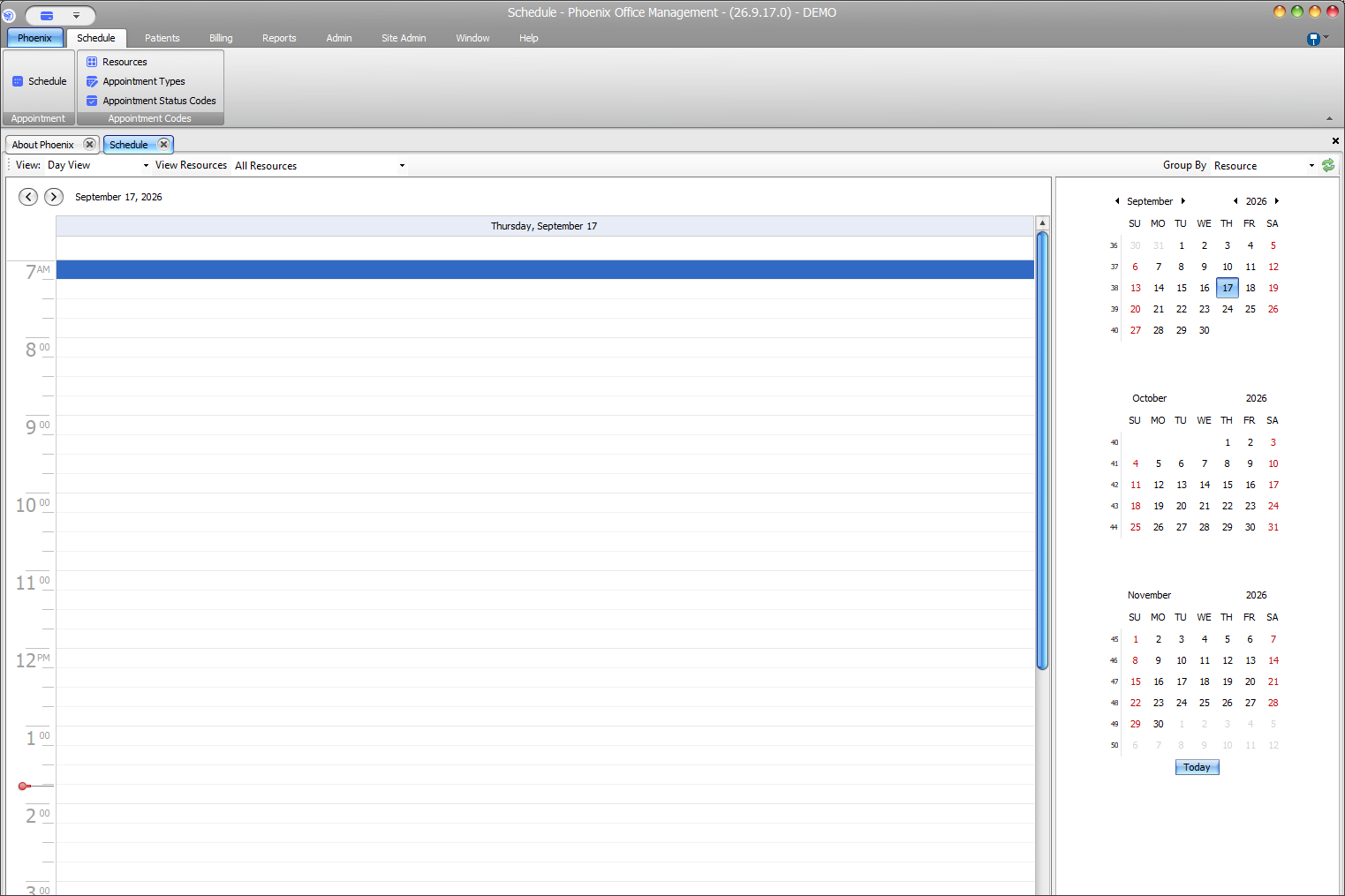
Confirm the schedule context #
- The date shown above the time grid
- The selected view
- The selected resources
- The Group By setting
The available resources depend on the practice’s scheduling configuration.
If the schedule appears empty #
Confirm the displayed date and resource selection first. An empty grid can mean that no appointments are scheduled for that date or that the needed resource is not included in the current view.