
Patients · Patient Troubleshooting
Incorrect Insurance Attached to Patient #
When the wrong insurance company or policy is attached to a patient, correct the patient’s coverage record without unnecessarily changing the practice-wide payer setup.
Before you begin #
- Verify the patient and case.
- Identify which coverage level is wrong.
- Have the correct payer and policy information available.
What to do #
- Open the patient record.
- Review the Primary, Secondary, and Tertiary Insurance sections.
- Identify the incorrect payer or policy entry.
- Select or enter the correct patient coverage information using your practice’s normal workflow.
- Review member ID, group, subscriber, relationship, dates, and coverage order before saving.
Verify before you finish #
- The correct payer is attached to the intended case.
- The member information belongs to that payer.
- Primary/secondary/tertiary order is still correct.
Important
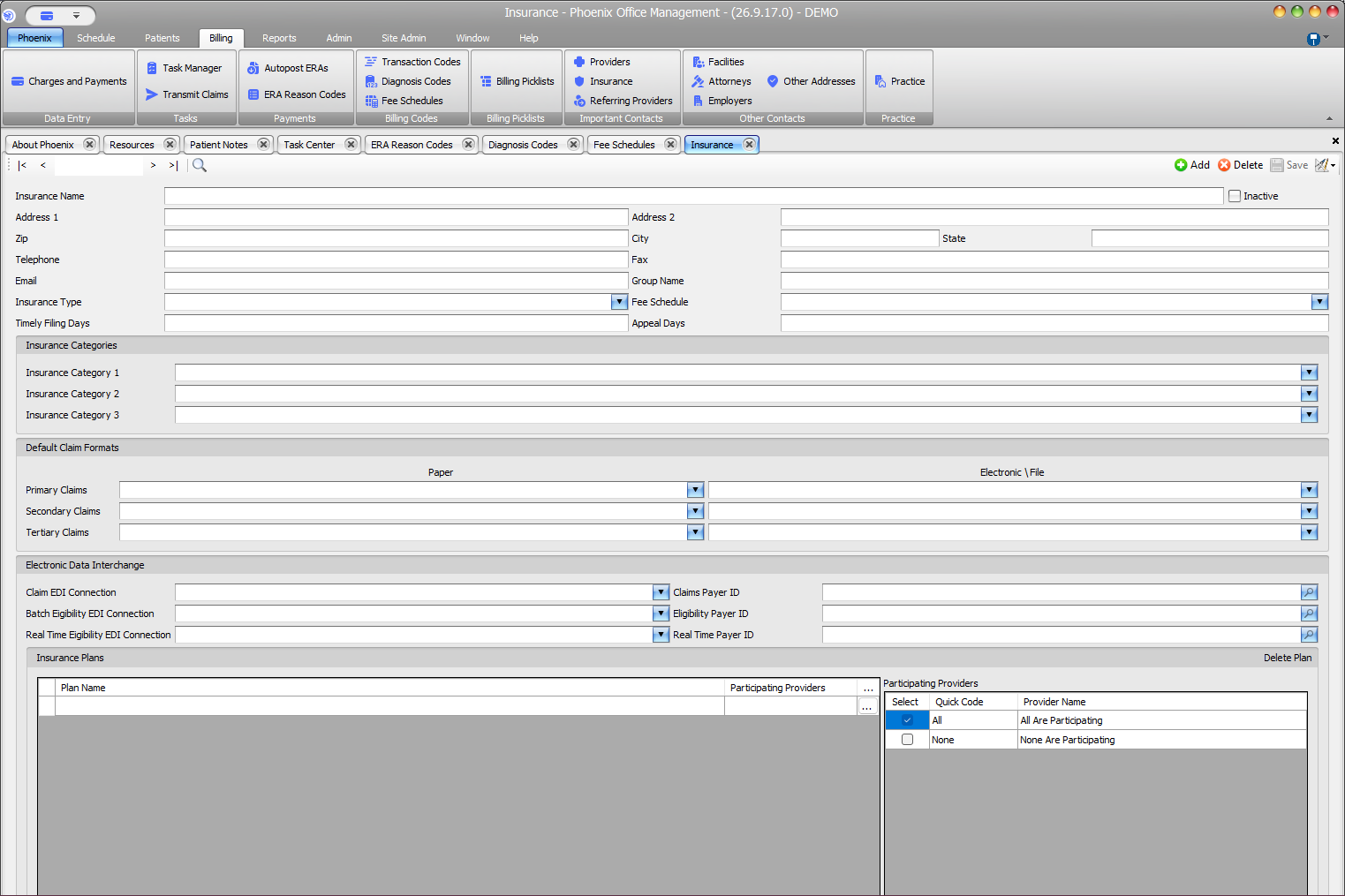
A payer record and a patient policy are different objects. Correcting one patient’s insurance should not automatically change the insurance-company setup used by other patients.
Related information #
Use the related Phoenix Help articles for the patient, insurance, scheduler, appointment status, and provider workflows when the issue crosses more than one area.