
Patients · Demographics
Marital Status #
Use the Marital Status field in Patient Demographics to record the applicable configured value.
Keyboard shortcuts: In a form, press F2 to save and Esc to close. On data-entry-heavy screens, press Ctrl+↓ for the next layout group or Ctrl+↑ for the previous layout group.
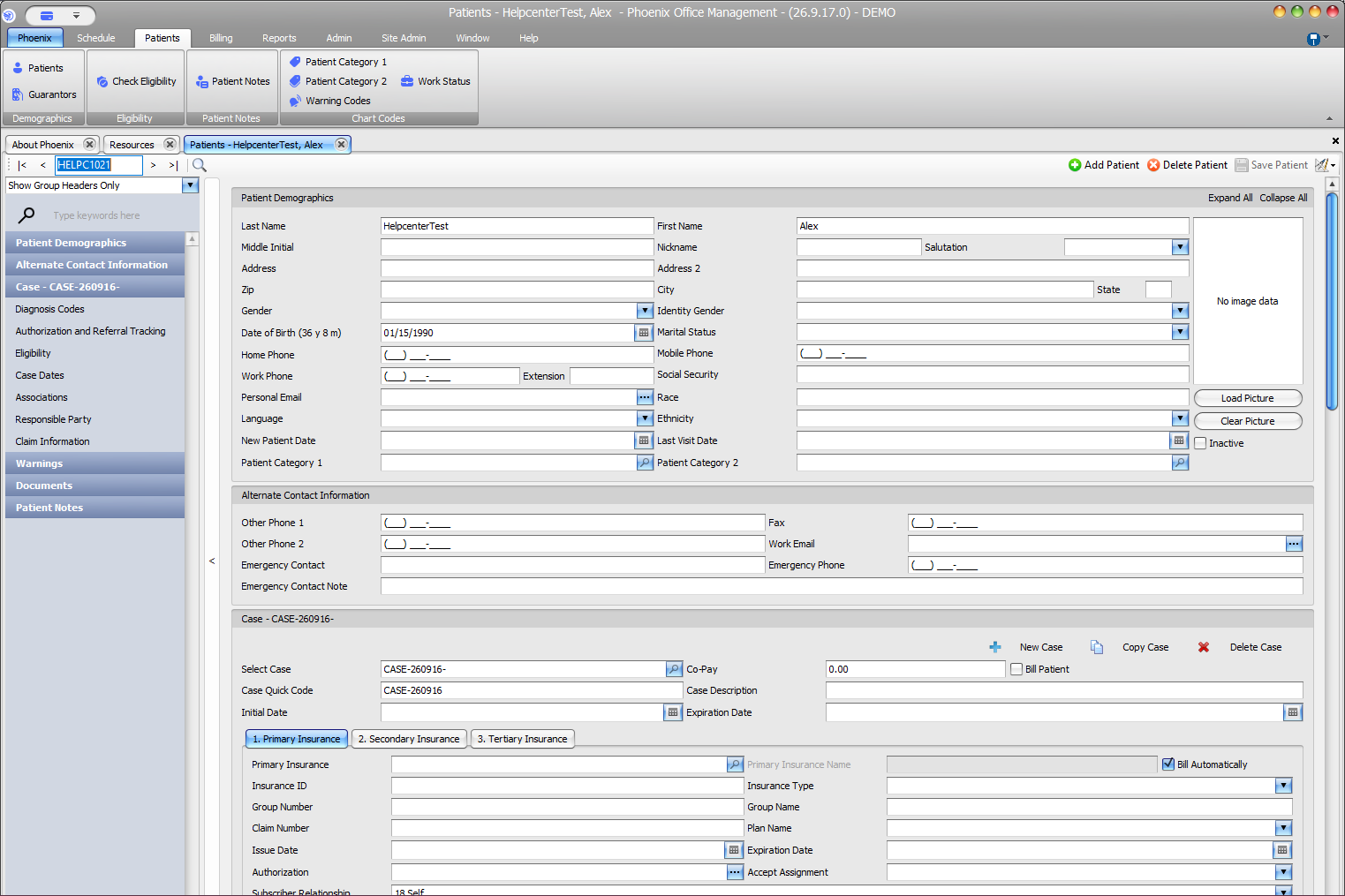
Use the patient’s information
Do not infer marital status from responsible-party, guarantor, emergency-contact, or insurance information.