
Patients · Demographics
Email Address #
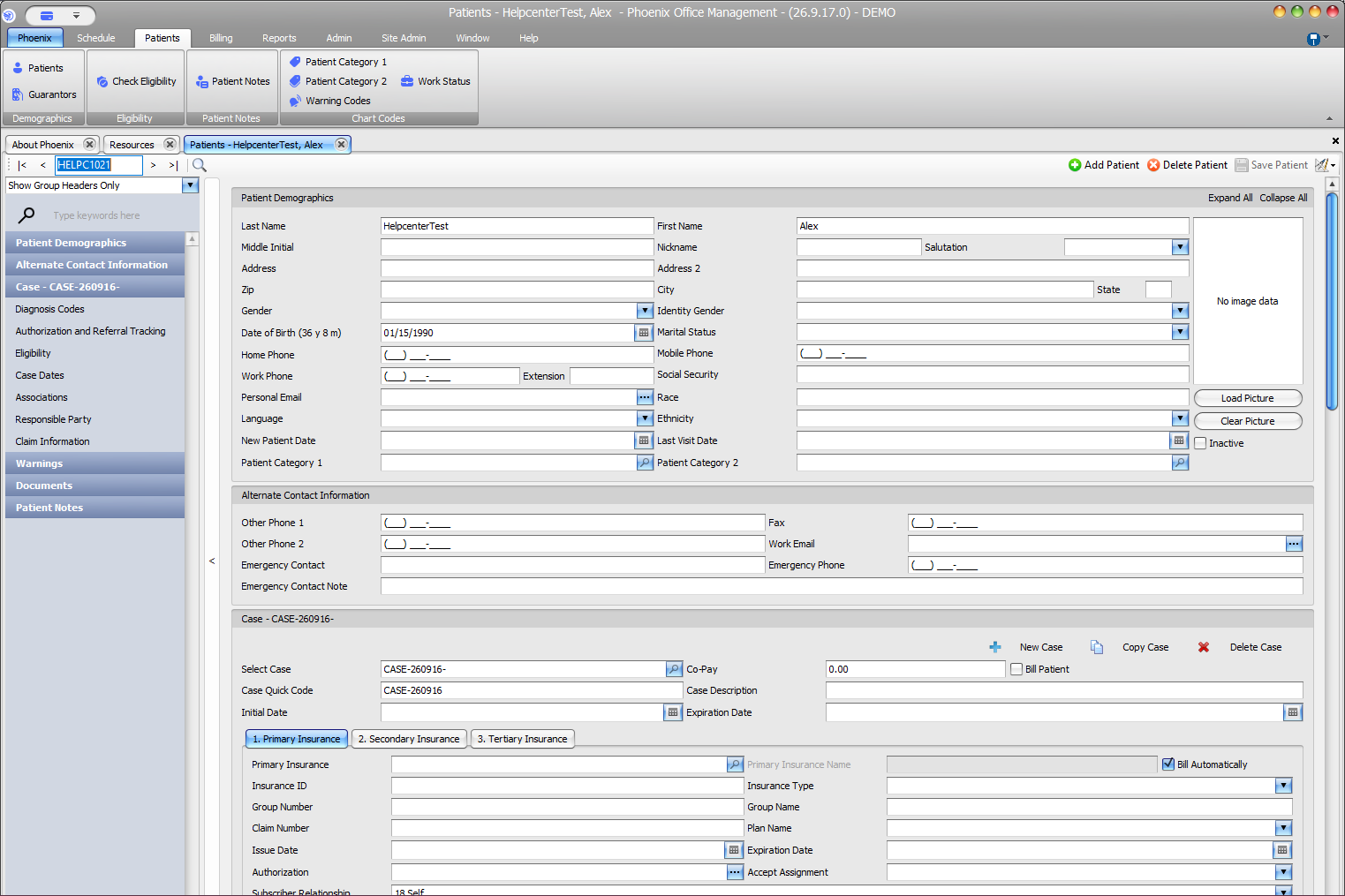
Phoenix provides separate fields for personal and work email addresses.
Keyboard shortcuts: In a form, press F2 to save and Esc to close. On data-entry-heavy screens, press Ctrl+↓ for the next layout group or Ctrl+↑ for the previous layout group.
Enter an email address #
- Find and verify the patient.
- Open the patient record.
- Use Personal Email or Work Email.
- Check spelling and the domain.
- Select Save Patient.
Phoenix can reject an entry that does not use a valid email format.
Verify the address #
Read the address back to the patient or compare it with the approved source. Small spelling errors can send information to the wrong recipient.
Consent still applies
Recording an email address does not establish permission to send every type of information. Follow patient consent and privacy policies.