
Charges & Billing · Diagnosis Information
Linking Diagnoses to Procedures #
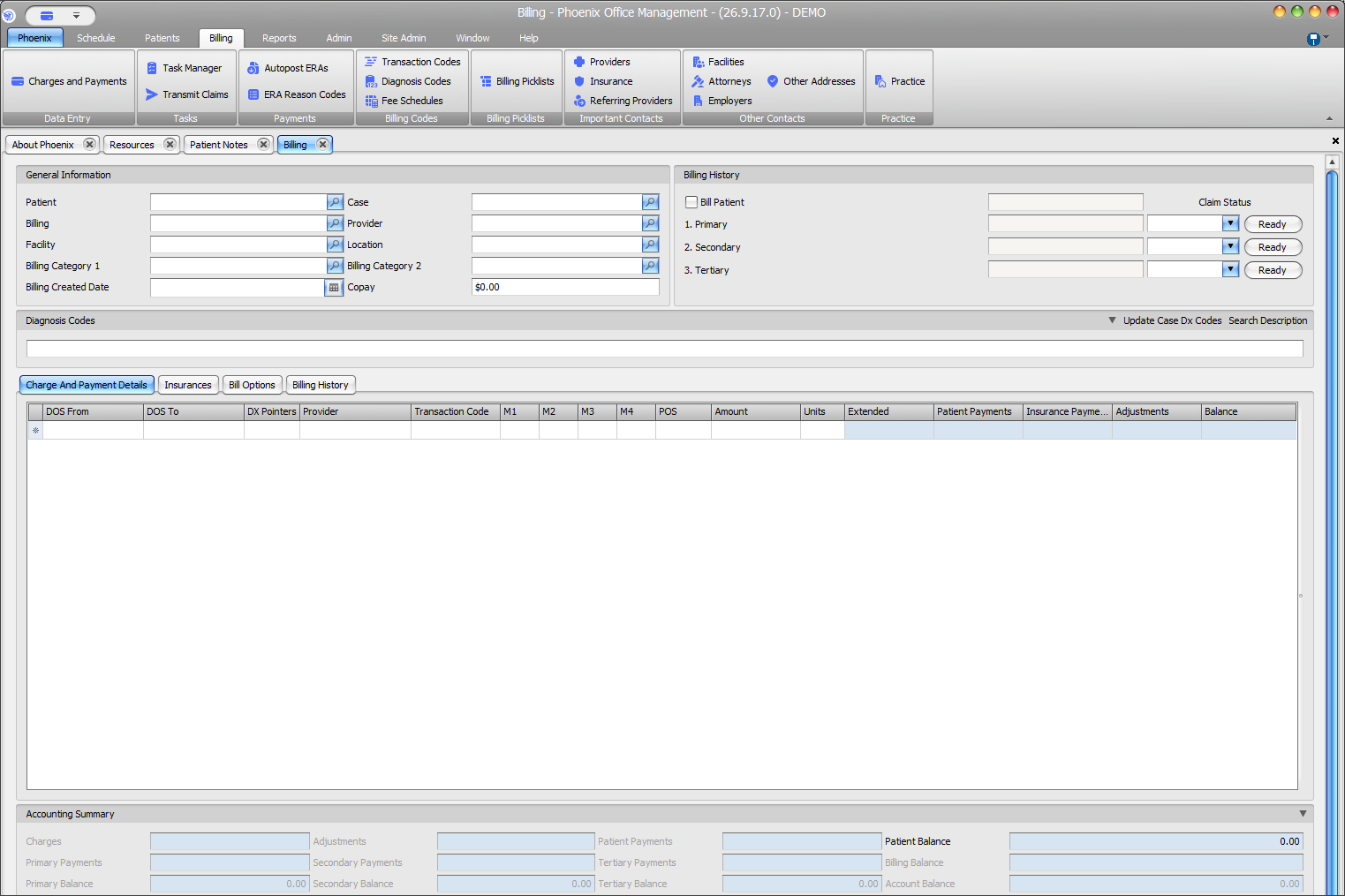
Diagnosis pointers connect a service line to the diagnoses that support that line. Review the association for each procedure rather than assuming every diagnosis applies to every service.
What to do #
- Open the charge and review the diagnosis list.
- Identify the procedure line being edited.
- Select the diagnosis or diagnoses appropriate to that line.
- Review the diagnosis-pointer order used by the current billing workflow.
- Save and recheck the service line.
Verify before you finish #
- The pointers reference diagnoses actually present on the claim.
- The diagnoses belong to the intended procedure line.
- Modifiers and diagnoses have not been confused.
Important
Diagnosis-pointer rules can depend on claim format and payer requirements. Verify the intended association before transmission.