
Charges & Billing · Diagnosis Information
Adding Diagnoses #
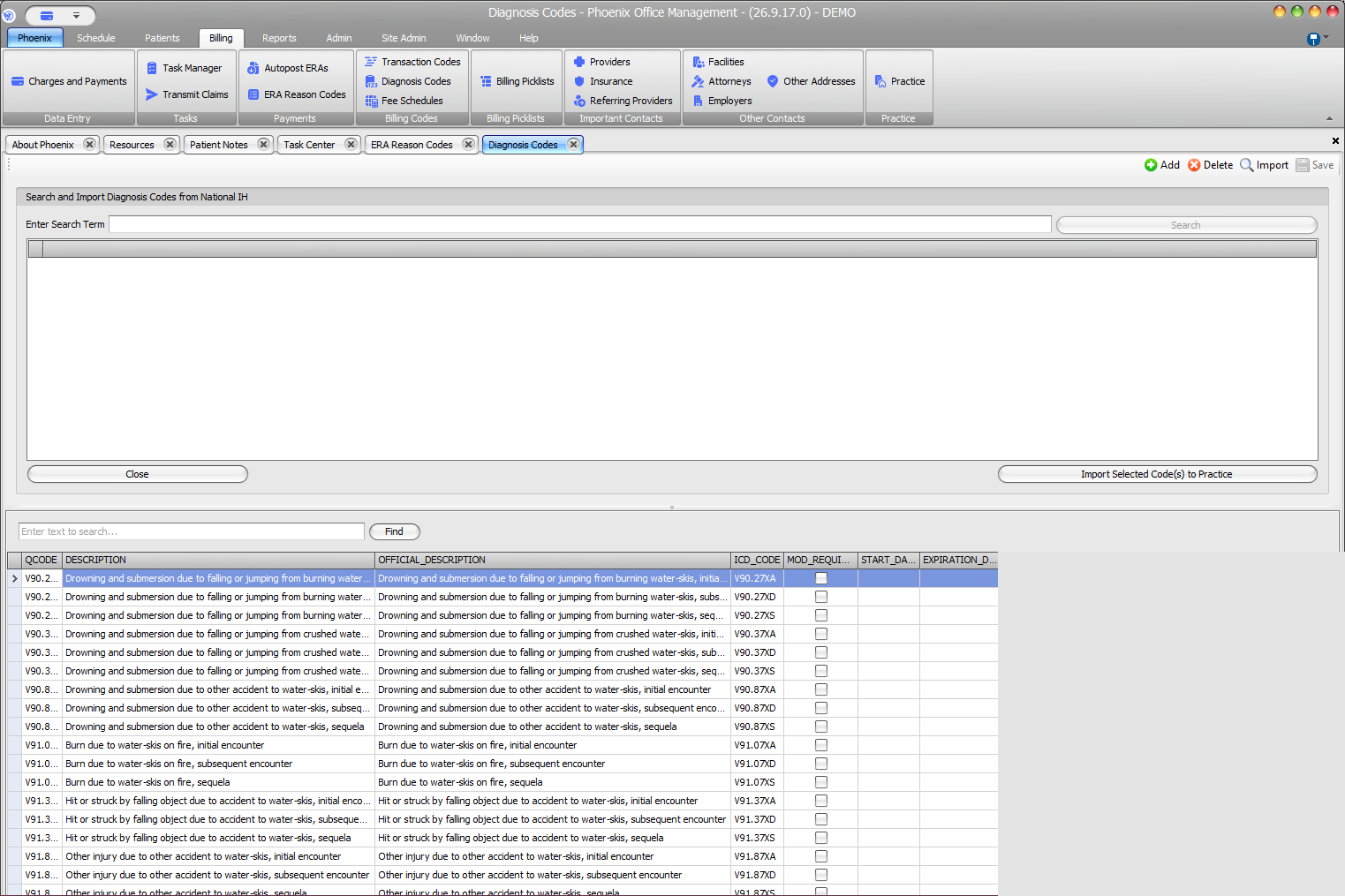
Add diagnoses to the billing context when they are supported by the encounter documentation and needed for the claim. Phoenix training describes diagnosis selection and line-level diagnosis association.
What to do #
- Open the correct patient/case and charge.
- Review the documented diagnosis information available to the billing staff.
- Select the appropriate diagnosis code from the configured diagnosis list.
- Add the diagnosis to the billing context.
- Review how the diagnosis is associated with the relevant service line.
Verify before you finish #
- The diagnosis code is current and intended for the encounter.
- The diagnosis is attached to the correct patient/case.
- The line-level association is correct.
Important
Selecting a diagnosis in Phoenix does not by itself establish medical necessity. Follow coding and documentation requirements.