
Charges & Billing · Charge Troubleshooting
Invalid Procedure Code #
An invalid-procedure-code message means the selected code cannot be used as entered in the current billing context. Check the actual underlying code and its configuration.
What to do #
- Read the exact message.
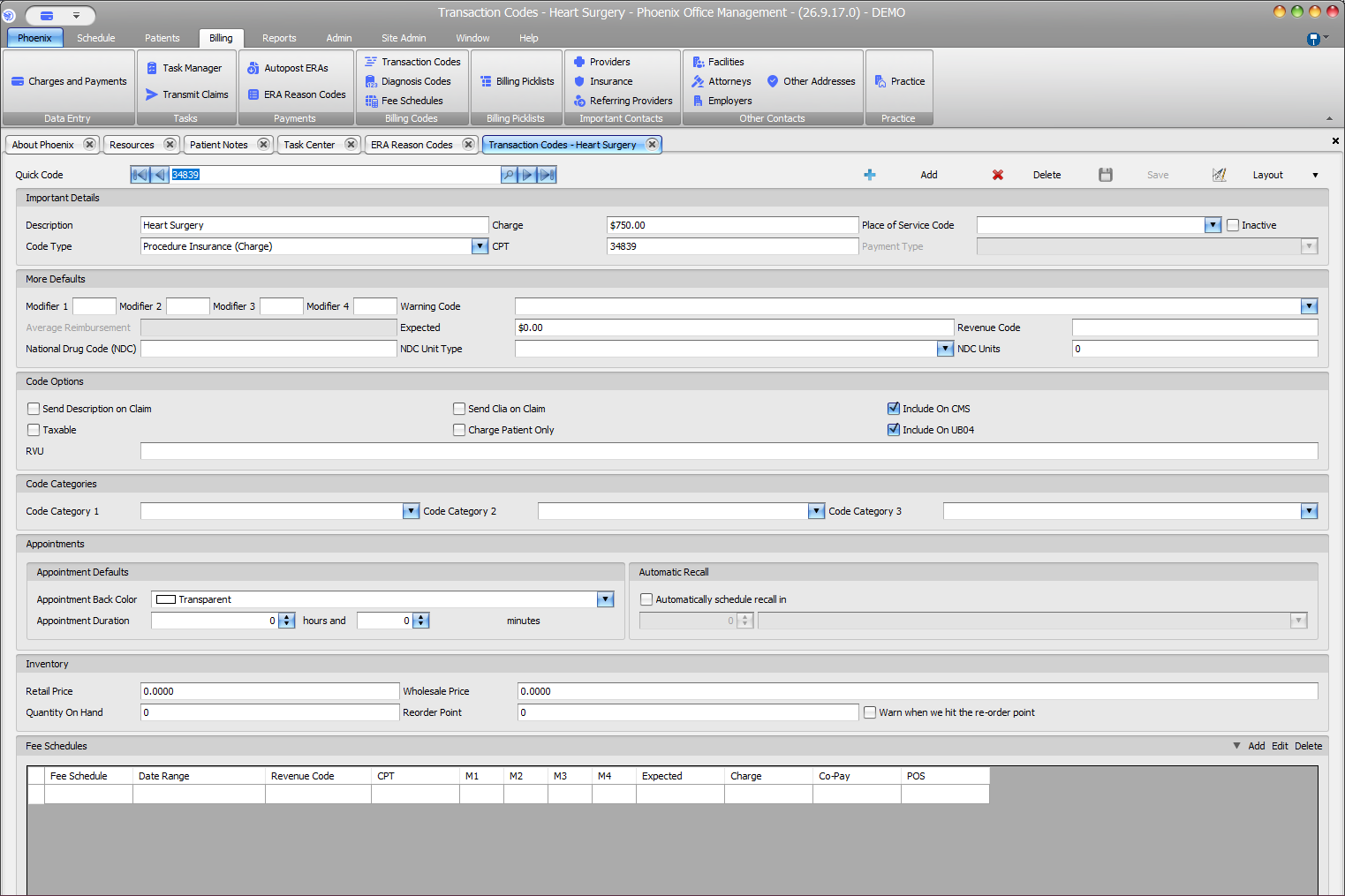
- Inspect the actual procedure code rather than only its Quick Code or description.
- Check validity/effective dates and local procedure setup.
- Confirm the code matches the intended service.
- Correct the verified code or configuration issue and revalidate.
Verify before you finish #
- The actual code is correct.
- A local alias has not been mistaken for the billable code.
- Service date and code validity were considered.
Important
Do not substitute a different code solely to bypass validation. Coding must still match the documented service.