
Charges & Billing · Charge Troubleshooting
Invalid Modifier #
An invalid-modifier message means a modifier is not accepted as entered for the current line or validation context. Review the actual modifier fields and procedure line.
What to do #
- Read the complete validation message.
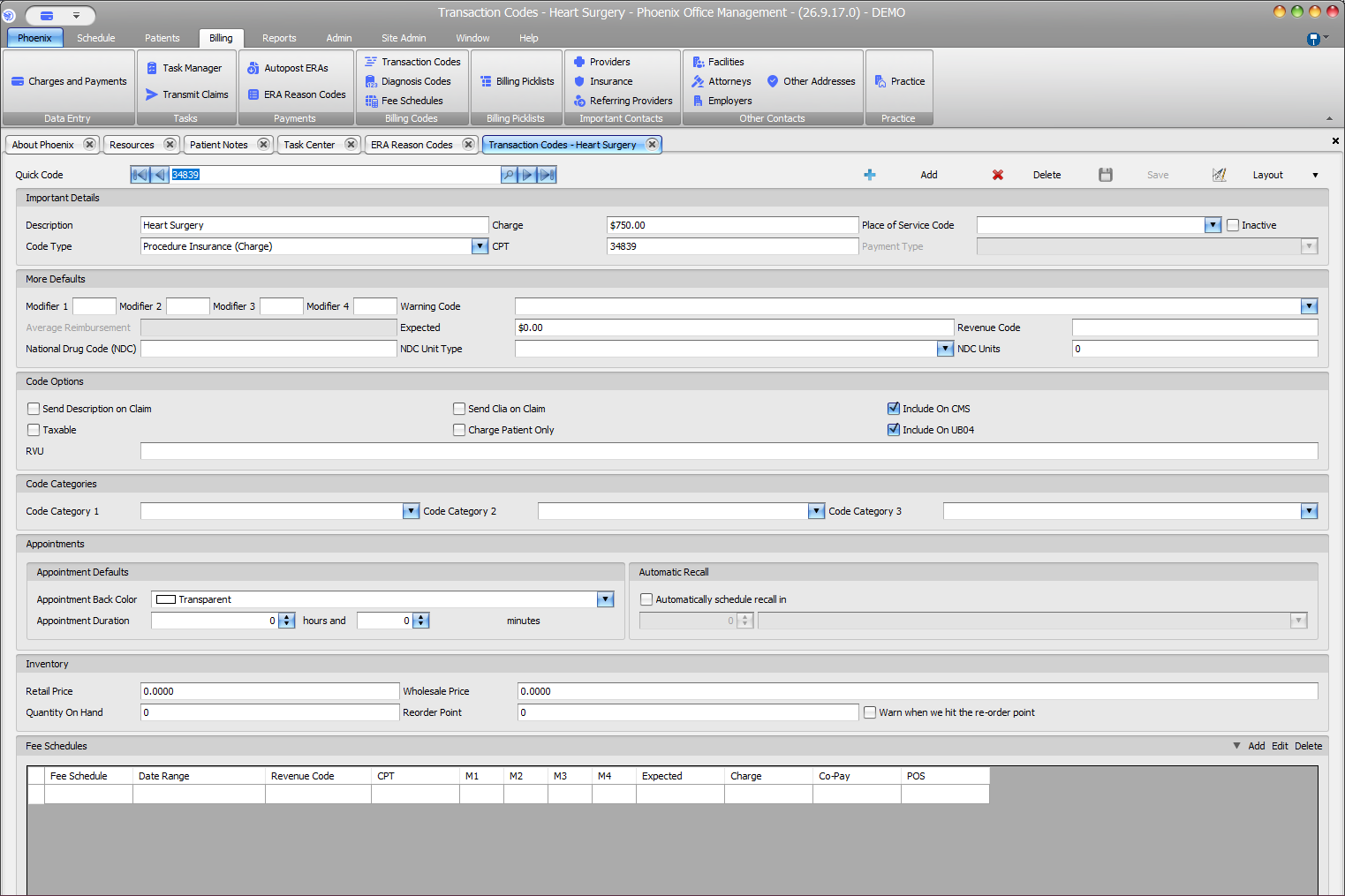
- Review modifiers M1–M4 or the modifier fields used by the current charge screen.
- Confirm the modifier is appropriate for the procedure and documented service.
- Check for typing, ordering, or configuration problems.
- Correct only verified information and validate again.
Verify before you finish #
- The modifier is not actually part of a local Quick Code alias.
- The modifier belongs to the intended procedure line.
- Unrelated modifiers were not added to clear the message.
Important
Modifier requirements can be payer- and procedure-specific. A modifier should not be added merely because Phoenix allows entry.