
Charges & billing · Diagnosis information
ICD-10 Codes #
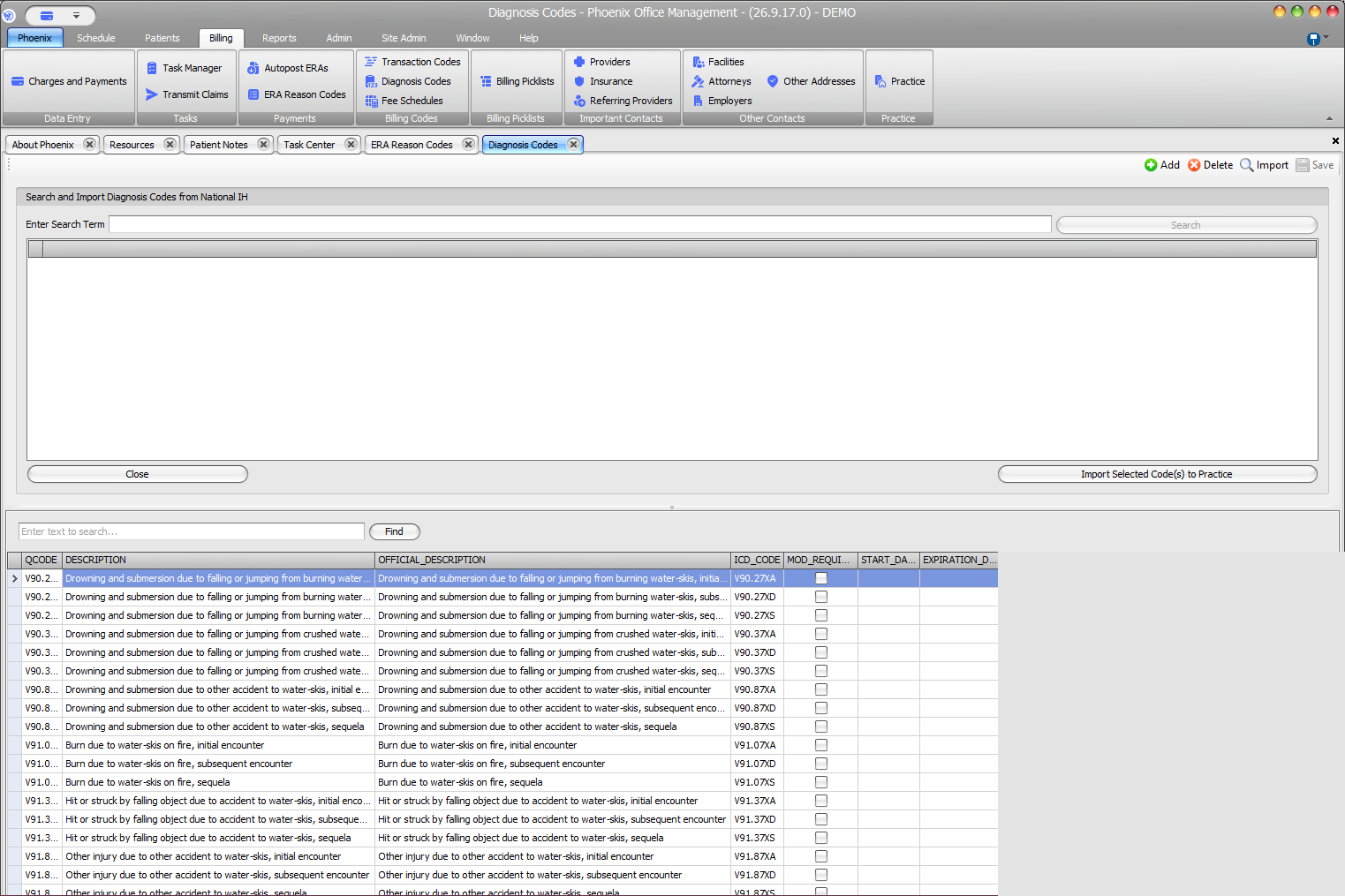
Use Diagnosis Codes to search the source shown by Phoenix and review codes available to the practice.
Keyboard shortcuts: Press Ctrl+B to open Charges and Payments.
Find a code in the practice list #
Use Enter text to search and Find above the lower grid. Visible columns include QCODE, DESCRIPTION, OFFICIAL_DESCRIPTION, and ICD_CODE.
Billing context #
Charges and Payments also includes a Diagnosis Codes area with Update Case Dx Codes and Search Description. Review the selected diagnoses before saving the charge, and follow your office’s coding process when validating diagnosis codes.
Importing is not a coding recommendation
Confirm code selection and validity through your organization’s approved coding process.