
Patients · Demographics
Employment Information #
Employment information is part of the patient’s demographic record and may be used by your practice for administrative or billing purposes. Enter only information your practice actually collects and can verify.
Before you begin #
- Find and confirm the correct patient before editing.
- Use the patient record rather than creating a second patient.
- Have the employer or employment details from an approved source when applicable.
What to do #
- Open the patient record.
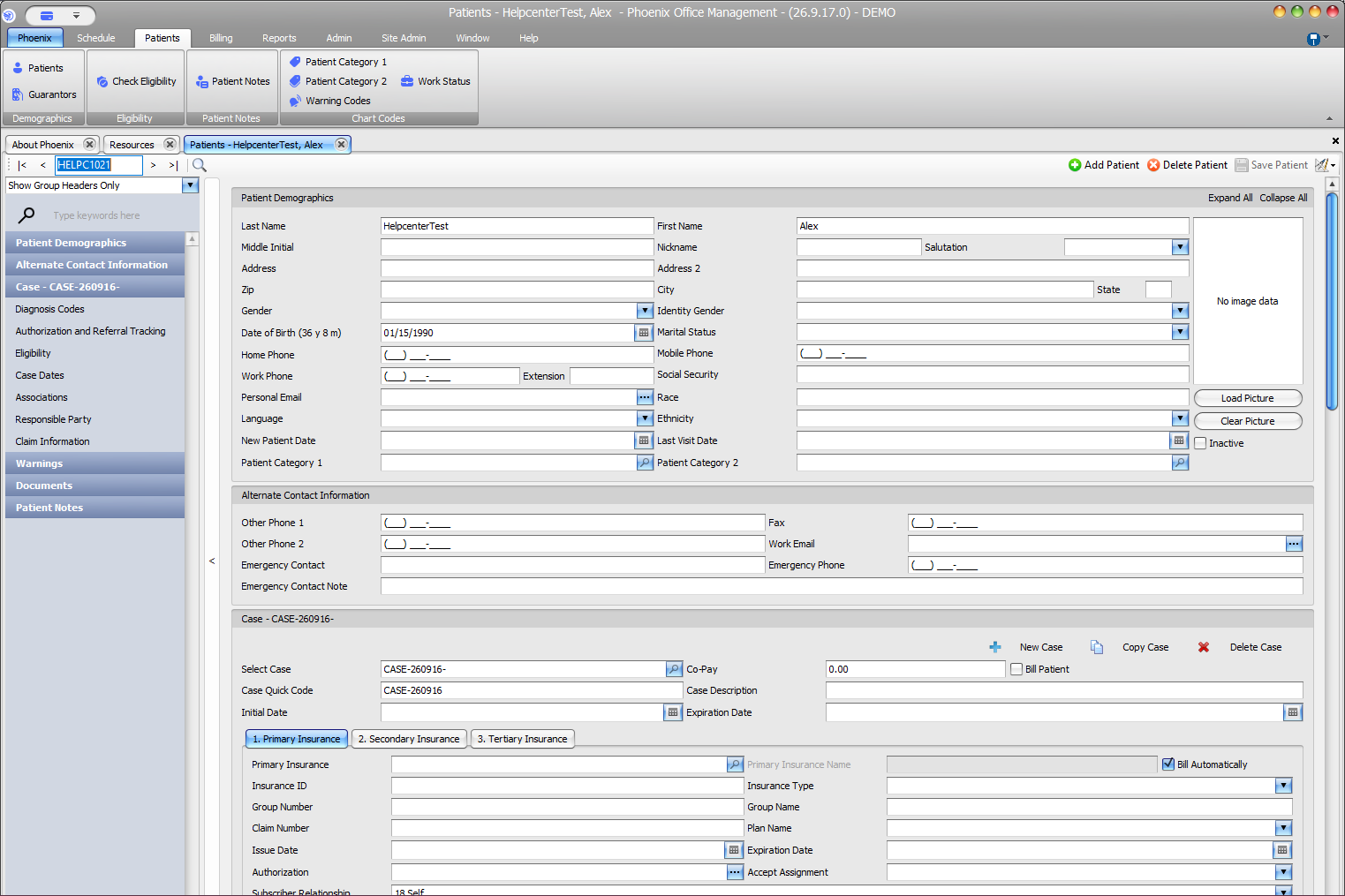
- Review the demographic area for the employment-related fields available to your practice.
- Enter or correct the applicable employer or work information.
- Review the rest of the patient record for accidental changes.
- Save the patient record using the normal Phoenix save workflow.
Verify before you finish #
- The information belongs to the intended patient.
- Names, phone numbers, or other employment details were entered in the appropriate fields.
- You did not replace patient contact information with employer contact information.
Important
Employment information is administrative data. Do not assume it identifies the financially responsible party, insurance subscriber, or guarantor unless your practice has separately verified that relationship.
Related information #
When the same information affects insurance, scheduling, or billing, review the patient’s current case and the related Phoenix Help articles before changing unrelated records.