
Patients · Demographics
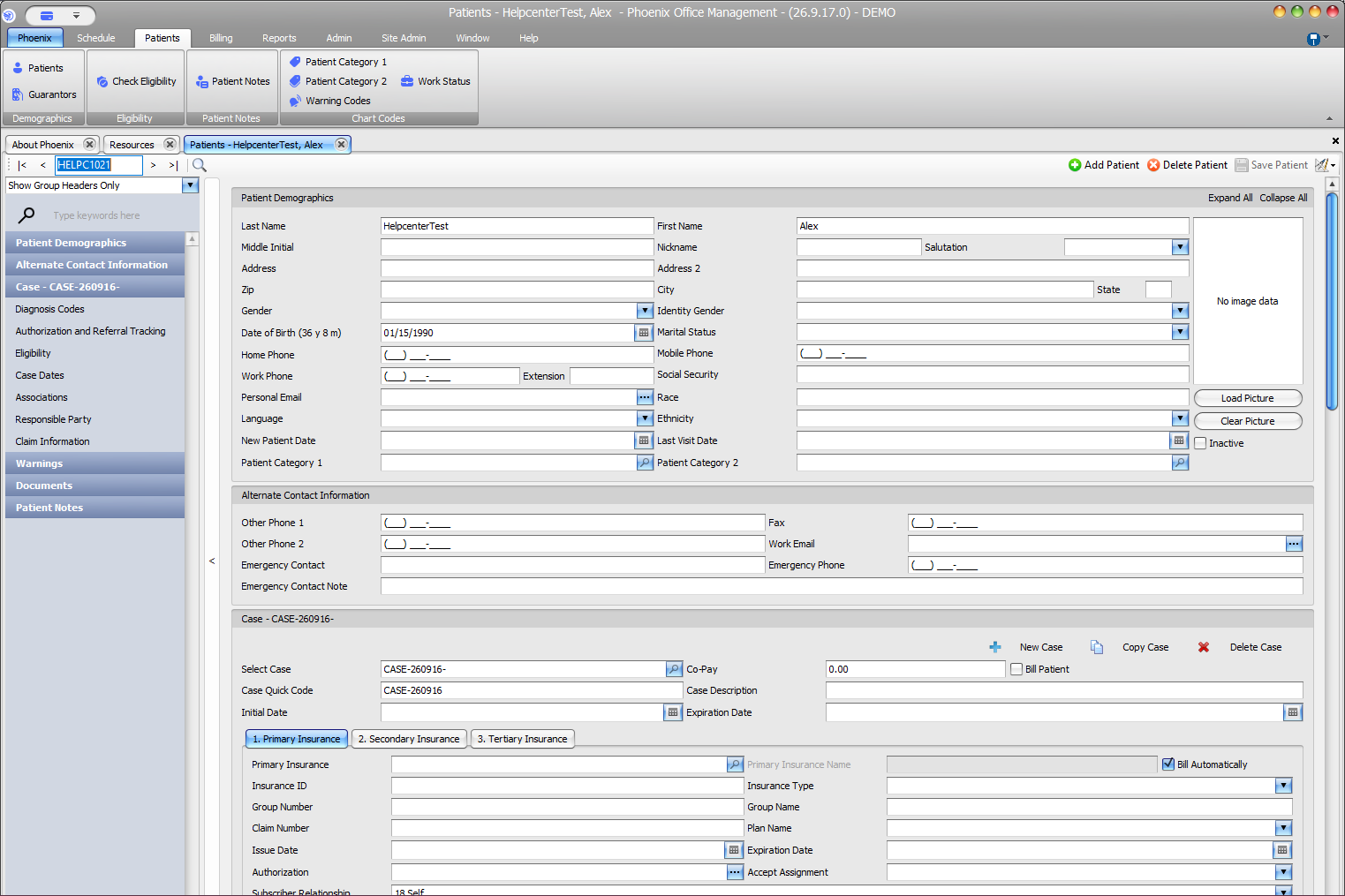
Address #
Enter and maintain the patient’s mailing address in Patient Demographics.
Keyboard shortcuts: In a form, press F2 to save and Esc to close. On data-entry-heavy screens, press Ctrl+↓ for the next layout group or Ctrl+↑ for the previous layout group.
Billing and correspondence
An inaccurate address can affect statements, claims, eligibility, and patient correspondence. Use the address supplied by the patient and follow practice policy when residence and mailing addresses differ.