
Charges & Billing · Additional Billing Information
Authorization Numbers #
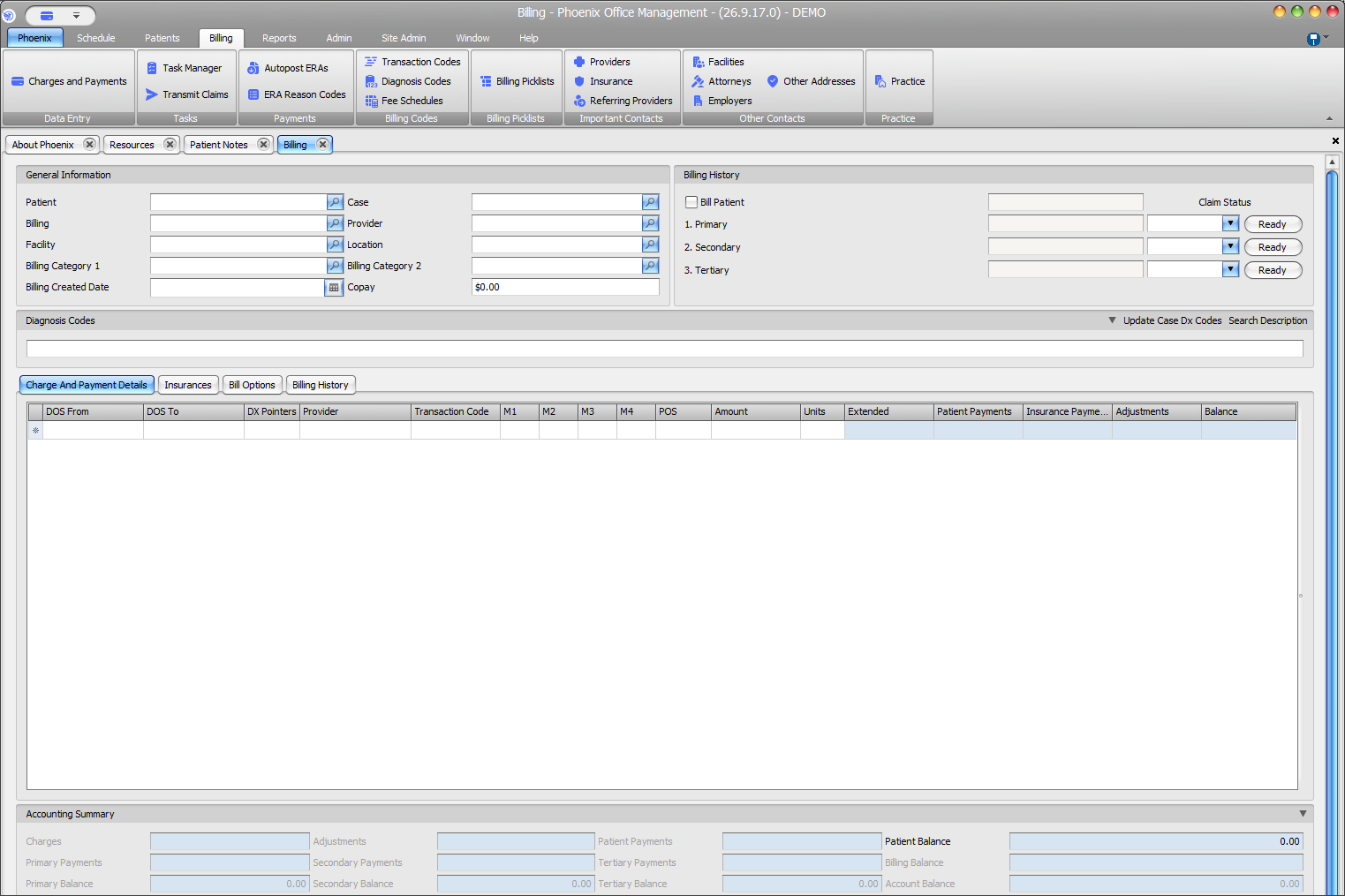
Authorization numbers can support payer requirements when services require prior authorization. Record the number in the appropriate billing or case context using verified payer information.
What to do #
- Confirm the patient, payer, service, and authorization involved.
- Review the authorization number from the approved source.
- Enter it in the applicable Phoenix authorization field or case/billing context.
- Check relevant dates or service limitations supplied with the authorization.
- Save and review before claim submission.
Verify before you finish #
- The authorization belongs to the correct patient/payer.
- The number is entered exactly as supplied.
- The authorization is relevant to the billed service/date.
Important
An authorization number does not guarantee claim payment. Payer rules, dates, services, units, and other requirements can still affect adjudication.