
Patients · Patient Insurance
Relationship to Subscriber #
The relationship-to-subscriber value explains how the patient is related to the person who holds the insurance coverage. It should agree with the subscriber information for the selected policy.
Before you begin #
- Verify the intended patient, case, and policy.
- Confirm who the subscriber is.
- Use current coverage information rather than guessing.
What to do #
- Open the patient’s insurance section.
- Review the subscriber first.
- Review the relationship-to-subscriber value for that same policy.
- Correct the relationship only when the verified information shows it is wrong.
- Save the patient record.
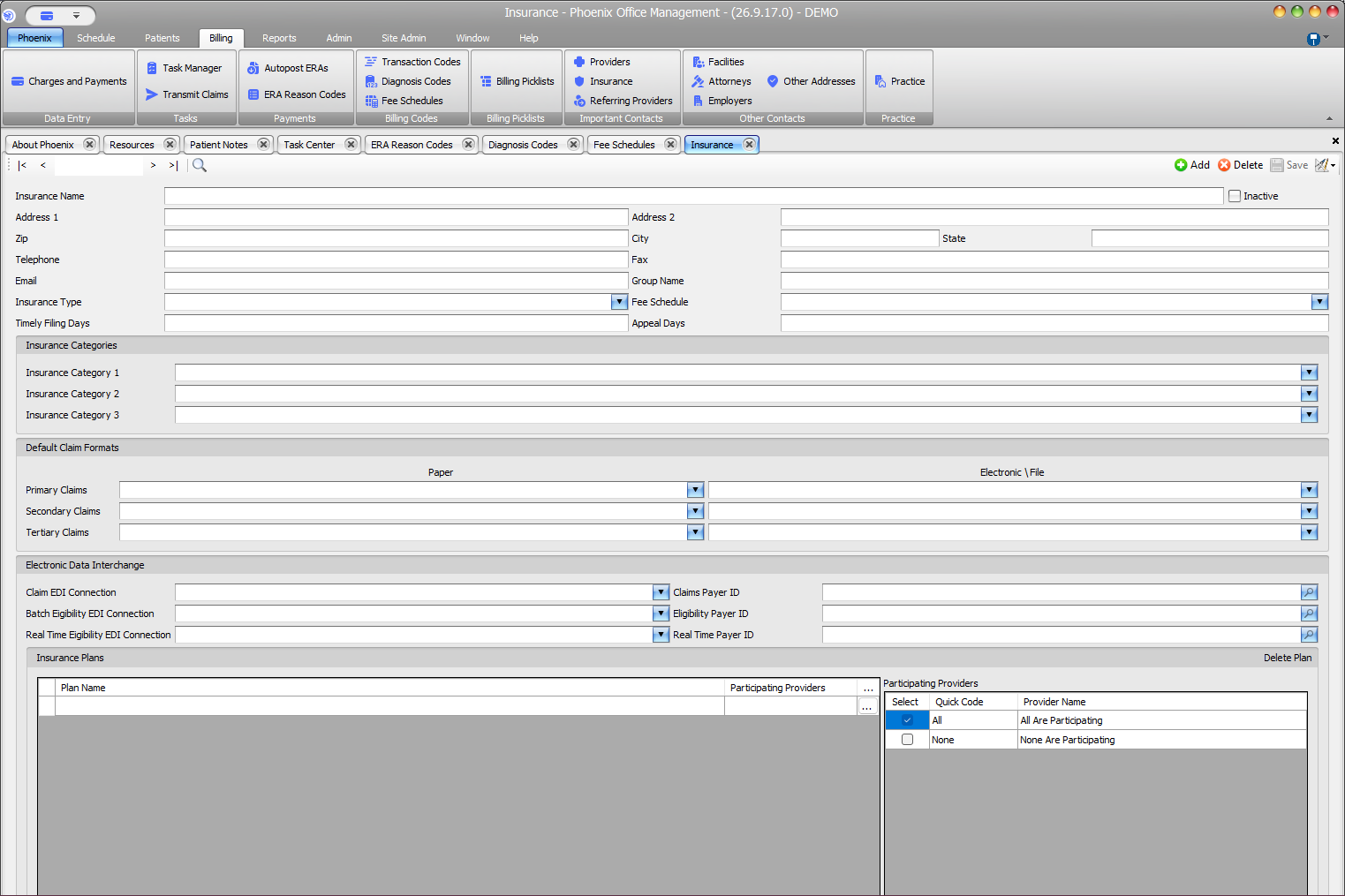
Verify before you finish #
- The relationship refers to the correct subscriber.
- The subscriber and relationship fields do not contradict each other.
- The change was made on the intended coverage level.
Important
A correct relationship value does not by itself establish active coverage. Use your practice’s approved eligibility workflow when current coverage must be checked.
Related information #
When the same information affects insurance, scheduling, or billing, review the patient’s current case and the related Phoenix Help articles before changing unrelated records.