
Charges & billing · Provider information
Referring Provider #
Use Referring Providers to maintain a referring provider’s address and identifier record.
Keyboard shortcuts: In a form, press F2 to save and Esc to close. In a lookup field, press F3 for Lookup, Insert for Quick Add, or Ctrl+E for Quick Edit.
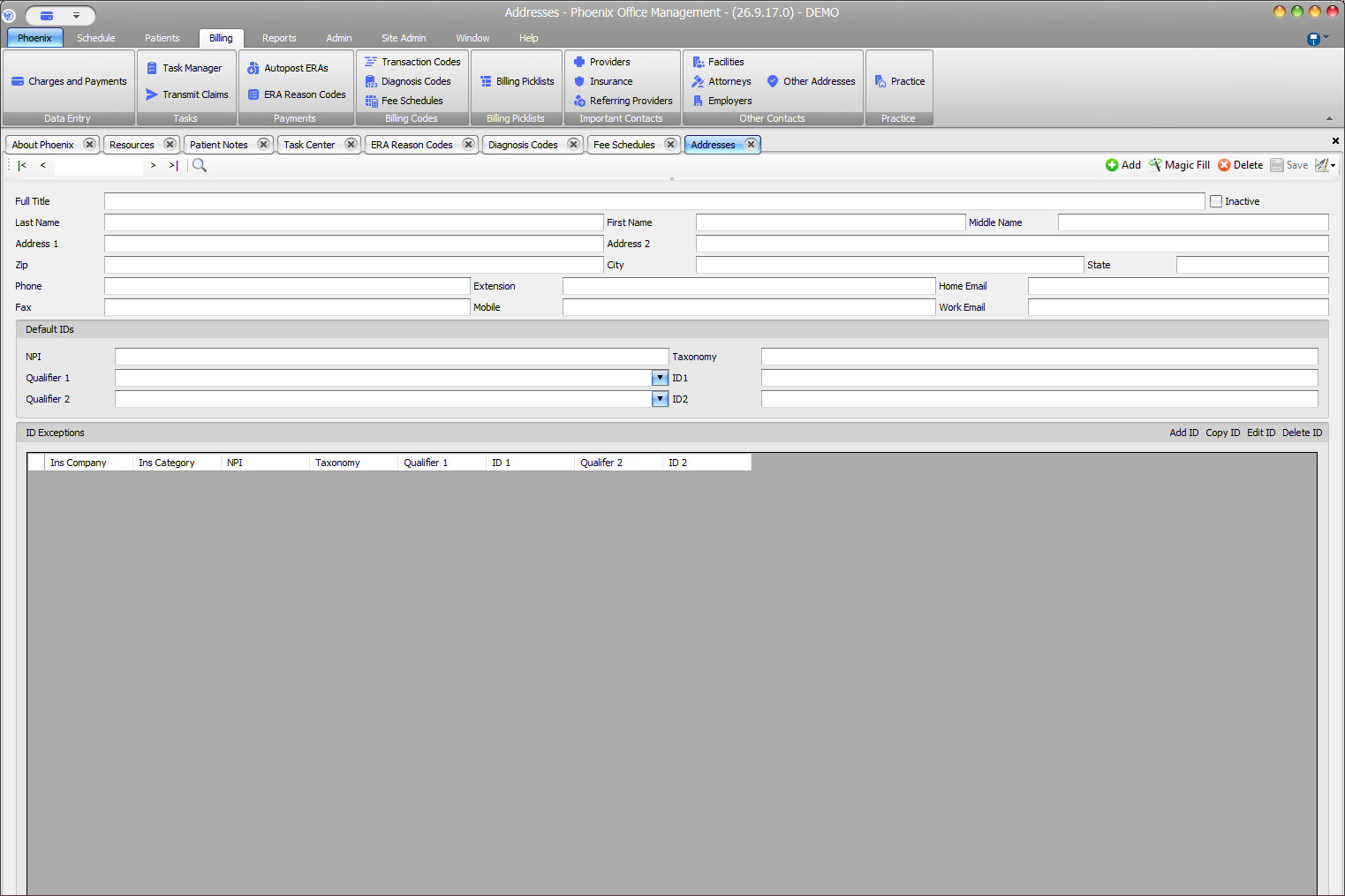
Find and verify a record #
- Use search or the record navigation controls.
- Confirm Full Title and the provider’s name.
- Review NPI and Taxonomy in Default IDs.
- Review qualifier and ID values when your workflow uses them.
- Check Inactive before using the record.
Addresses is the expected tab name
A referring-provider record is maintained through Referring Providers even though the opened tab is labeled Addresses. If your practice uses payer-specific identifier exceptions, review the applicable exception before saving.