
Reporting · Overview
Opening Reports #
Use the Reports ribbon to open standard reports and the separate report-design, text-report, and spreadsheet tools.
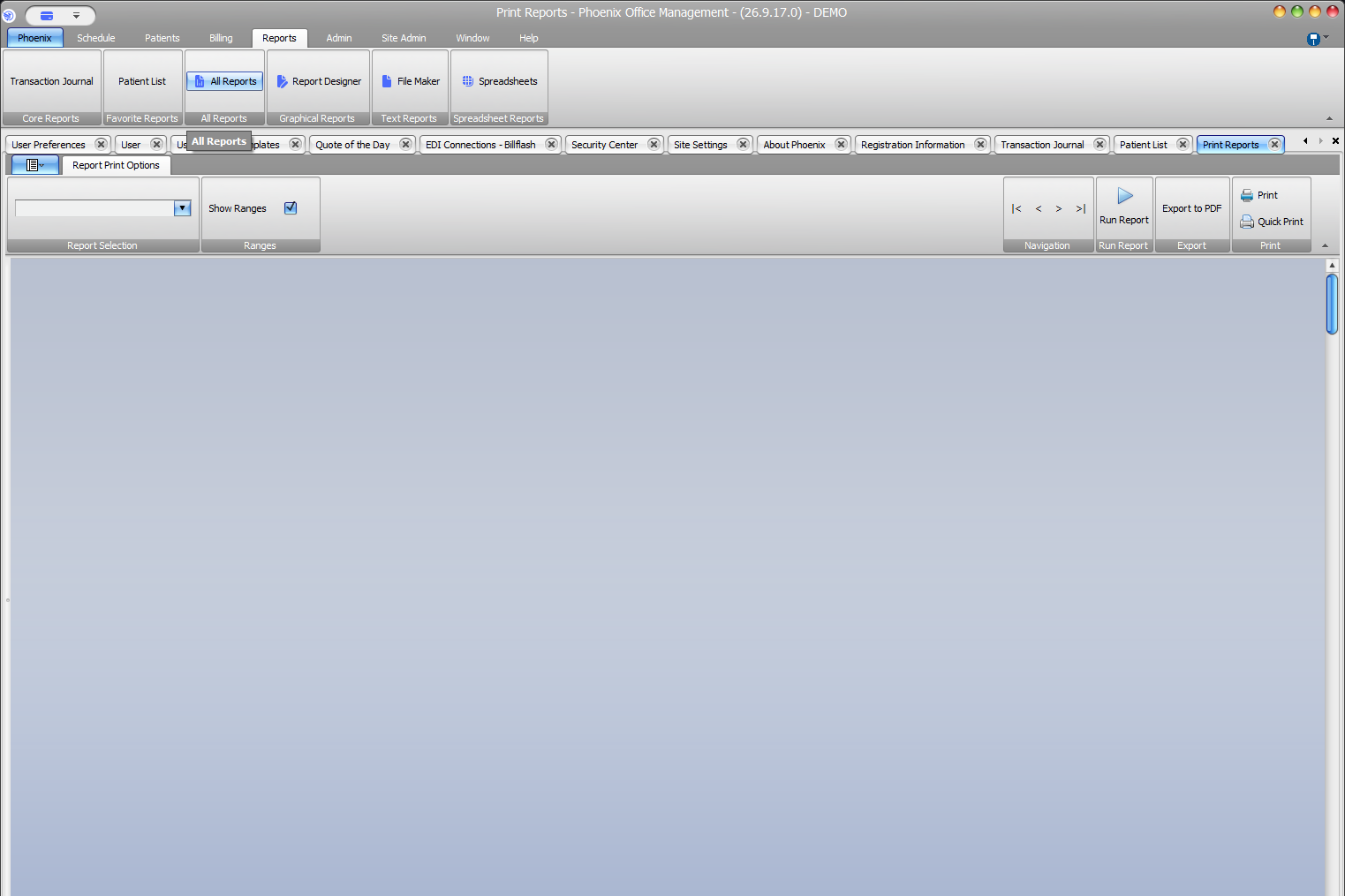
Open the report list #
- Select the Reports tab.
- Select All Reports.
- Confirm that Print Reports opens.
- Choose a report from Report Selection.
- Select Run Report when ready.
The workspace also displays Show Ranges, navigation, Export to PDF, Print, and Quick Print.
Open ribbon reports directly #
Transaction Journal appears under Core Reports and Patient List appears under Favorite Reports. Each opens its own Phoenix tab; Patient List uses the Print Reports workspace, while Transaction Journal provides separate Options and Filters tabs.
Other reporting tools #
- Report Designer opens a separate design environment.
- File Maker opens a text-report layout workspace.
- Spreadsheets opens Phoenix Sheets.
Choose the matching tool
These tools are separate from the standard Print Reports workspace. Select the tool that matches the reporting task before changing options.