
PHX Interface · Keyboard & Navigation
Keyboard Shortcuts #
Keyboard shortcuts can reduce mouse movement during scheduling, billing, lookup, and data-entry work.
| Shortcut | Where to use it | Action |
|---|---|---|
| Ctrl+S | Phoenix | Open the Scheduler |
| Ctrl+B | Phoenix | Open Charges and Payments |
| F2 | Form | Save |
| Esc | Form | Close |
| F3 | Lookup edit | Lookup |
| Insert | Lookup edit | Quick Add |
| Ctrl+E | Lookup edit | Quick Edit |
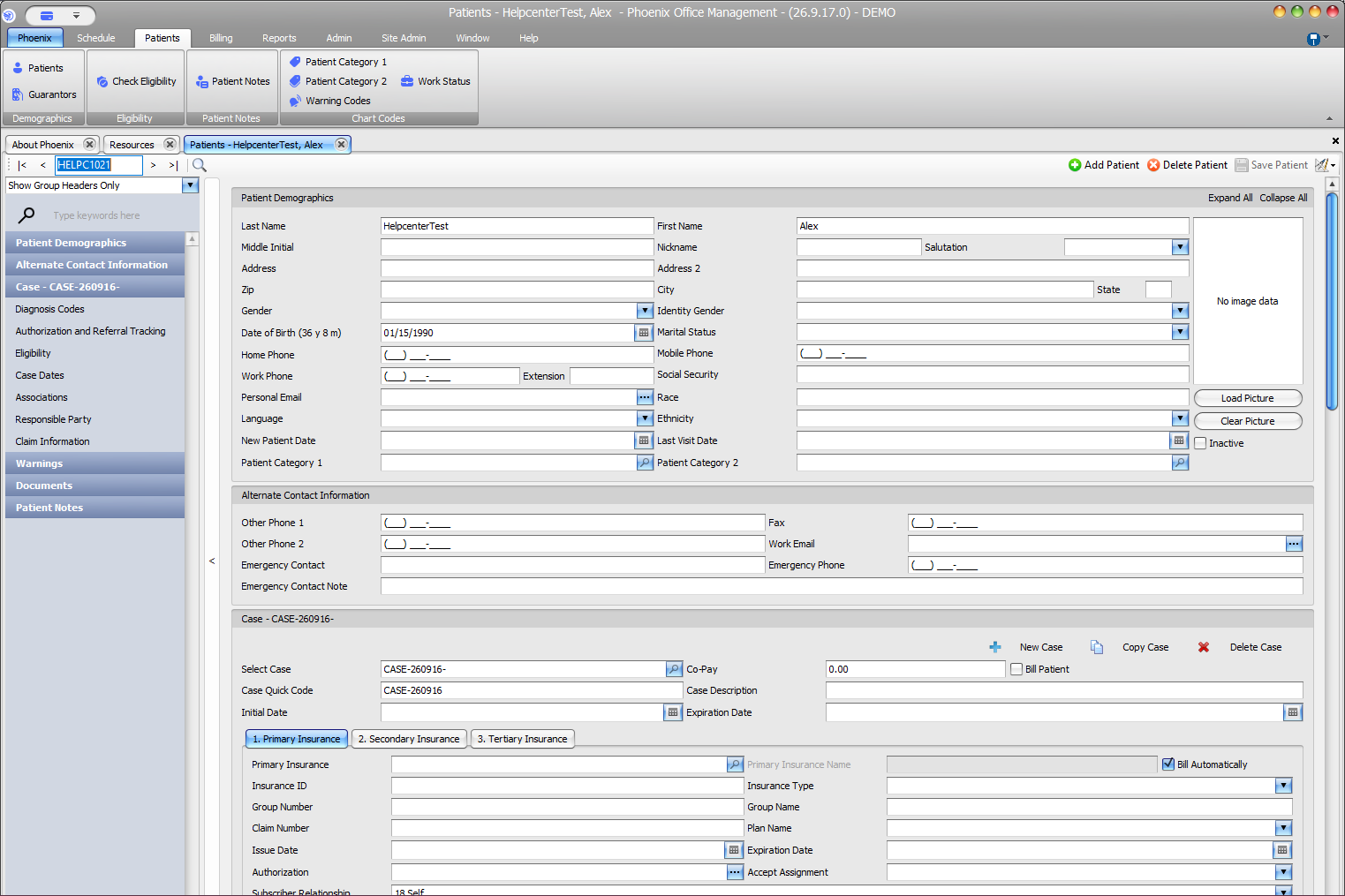
| Ctrl+↓ | Data-entry-heavy screen | Move to the next layout group |
| Ctrl+↑ | Data-entry-heavy screen | Move to the previous layout group |
Use shortcuts in the right context #
Form shortcuts apply while you are working in a Phoenix form. Lookup shortcuts apply when you are in a lookup edit. The layout-group shortcuts are most useful on screens with several sections of data entry.