
Patients · Responsible Party
Editing Responsible Party Information #
Update responsible-party information when the financial-responsibility details have changed or the existing entry is incorrect. Preserve information that is still valid.
Before you begin #
- Verify the patient and case first.
- Know exactly which responsible-party detail needs correction.
- Use current information from an approved source.
What to do #
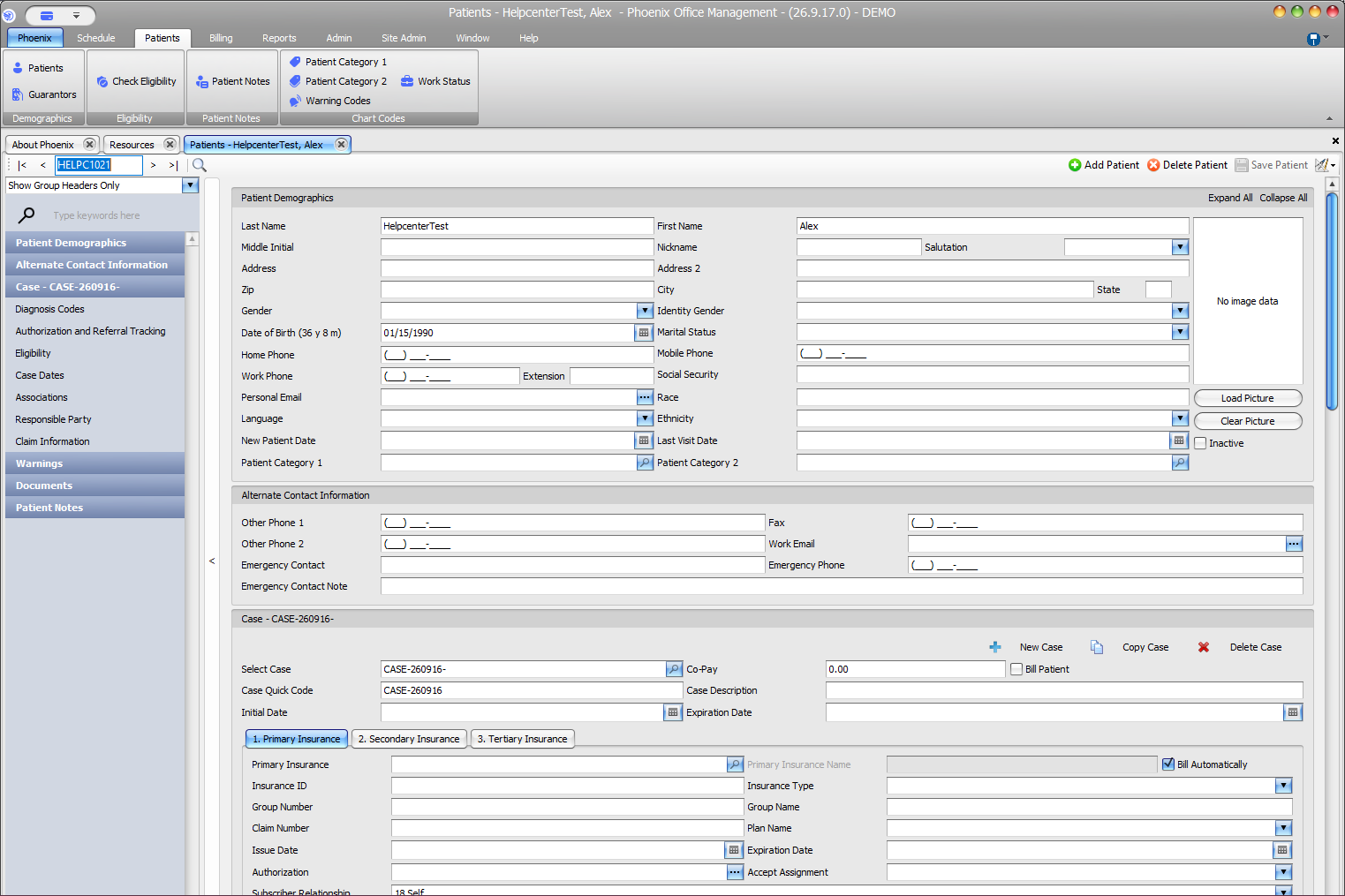
- Open the patient record.
- Review the existing responsible-party or guarantor information.
- Change only the fields that are no longer correct.
- Recheck the patient, subscriber, and responsible-party relationships.
- Save the record and confirm the intended information remains.
Verify before you finish #
- The correct patient/case was edited.
- Existing accurate data was not overwritten unnecessarily.
- The update did not change insurance coverage order or subscriber information by mistake.
Important
Changing who is financially responsible is not the same as changing the patient’s insurance subscriber or payer. Review each area separately.
Related information #
When the same information affects insurance, scheduling, or billing, review the patient’s current case and the related Phoenix Help articles before changing unrelated records.