
Patients · Responsible Party
Adding a Responsible Party #
Add responsible-party information only after you have confirmed who is financially responsible for the patient account. The responsible party may be the patient or another person depending on the account arrangement.
Before you begin #
- Find the correct patient and select the correct case.
- Confirm the responsible party from an approved source.
- Avoid creating or attaching unrelated patient information simply to complete the record.
What to do #
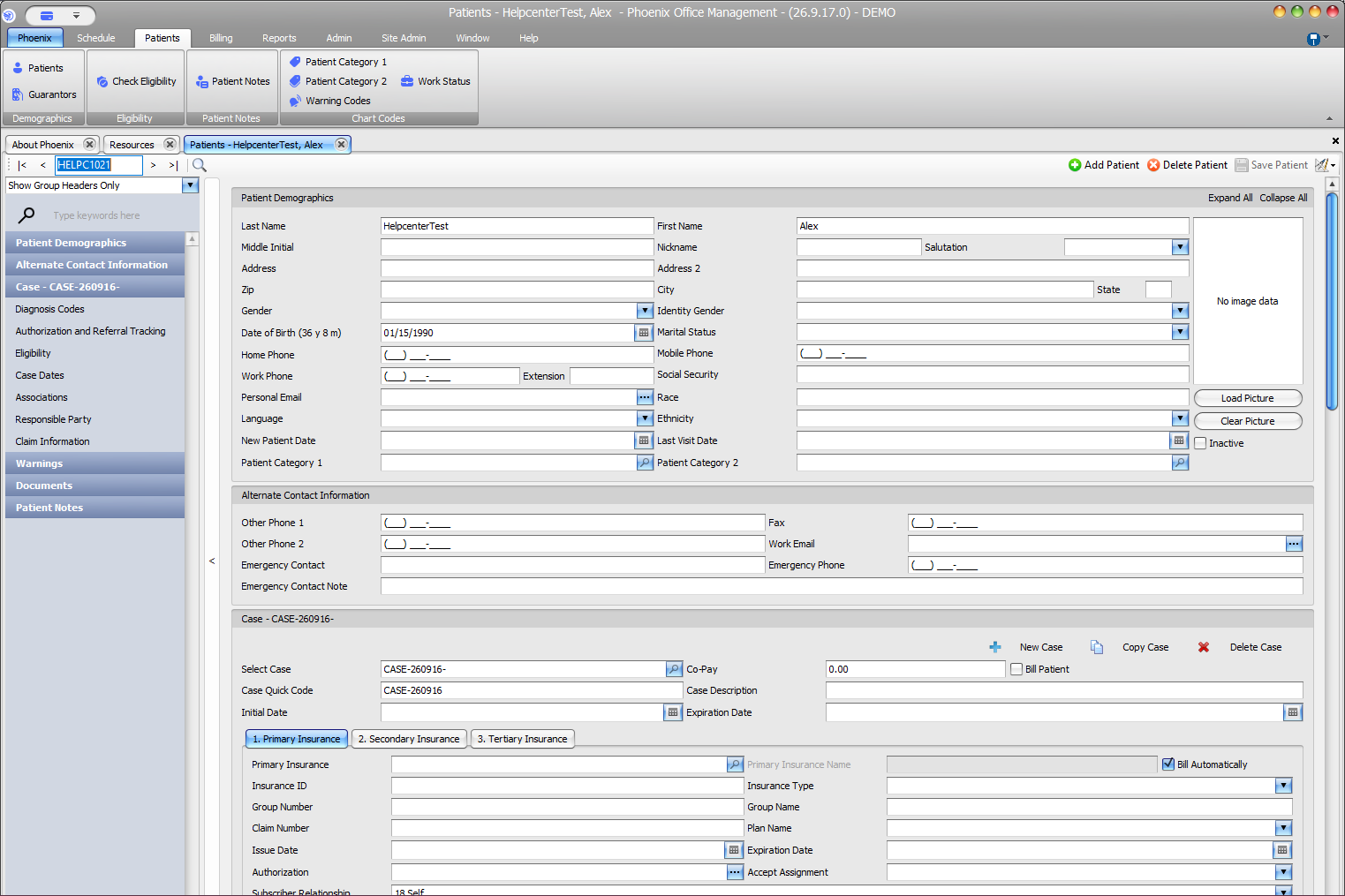
- Open the patient record.
- Navigate to the area your practice uses for responsible-party or guarantor information.
- Enter the available identifying and contact information for the responsible party.
- Compare the entry with the patient and subscriber information for accuracy.
- Save the patient record and review the result.
Verify before you finish #
- The responsible party is associated with the intended patient/case.
- Names and contact details match the source information.
- The insurance subscriber was not incorrectly substituted for the responsible party.
Important
If the account arrangement is unclear, stop and verify it before saving. Incorrect guarantor information can create downstream statement and follow-up problems.
Related information #
When the same information affects insurance, scheduling, or billing, review the patient’s current case and the related Phoenix Help articles before changing unrelated records.